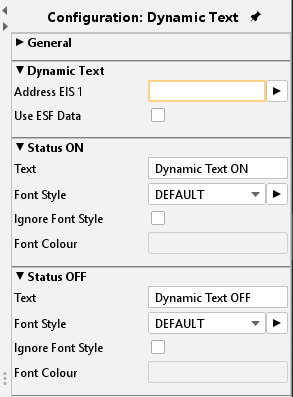

EIBPORT provides 2 types of text elements: a static and a dynamic one. Both serve for lettering whereat the dynamic text can show different texts depending on KNX events.
CONTROL L Support
Both elements can be used for CONTROL L.
Static text
Element “static text” is “unlimited” regarding the number of characters. Beginning with firmware version 0.11.4 the element can even display multiline text. Moreover, the alignment (left, centred, right) can be set. The font style (size, type, colour) is set via menu item “Object Style configuration”.
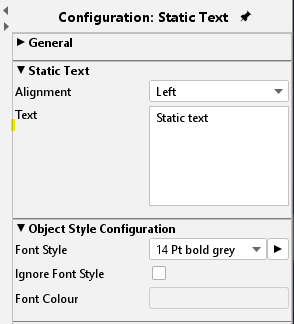
Object Style Configuration
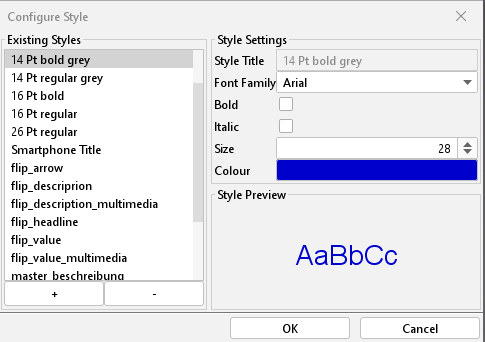
Font style, size and colour are set here. Using the dialogue “style” individual styles can be defined and used later on within the project.
If the individual style is changed these changes are automatically executed on all elements using the same style.
Dynamic Text
The basic settings are equal to the static text. Additionally, it is possible to define a text for status ON and one for status OFF. For each status a different style can be defined. The input object determines the status.
Ignore style / colour:
If the selected text shall get another colour as defined in the style set this can be done by activating the checkbox “ignore style”. A new colour can be selected from the array below.