
The detailed CUBEVISION2 documentation is divided into two sections:
-
Creating and managing visualisation projects using the CUBEVISION EDITOR and PROJECT MANAGER
-
Operating the CUBEVISION2 visualisation and using its additional features
Opening the CUBEVISION EDITOR and PROJECT MANAGER
Start the CUBEVISION EDITOR using the BAB STARTER or from the EIBPORT home page.
You can then open PROJECT MANAGER from within the CUBEVISION EDITOR by selecting the gear icon followed by “PROJECT MANAGER”.
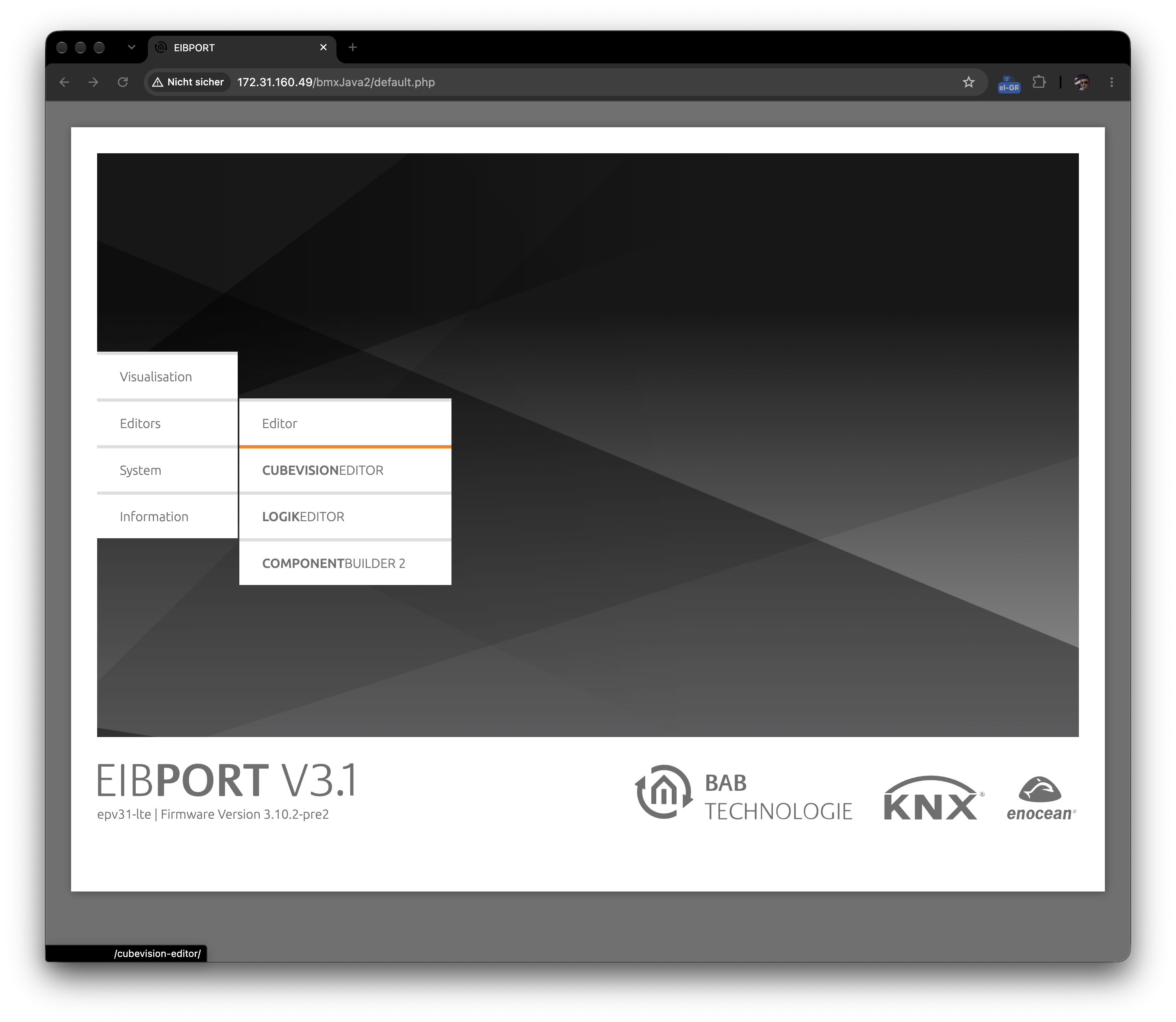
Detailed information about creating, configuring and managing visualisation projects can be found in the corresponding section of the separate CUBEVISION2 documentation.
Go to the CUBEVISION EDITOR and PROJECT MANAGER documentation
https://doc.bab-technologie.com/cv2en/documentation
Opening the CUBEVISION2 Visualisation
On the EIBPORT home page, open the “Visualisation” section and select “CUBEVISION”. The CUBEVISION2project selection page is then displayed.
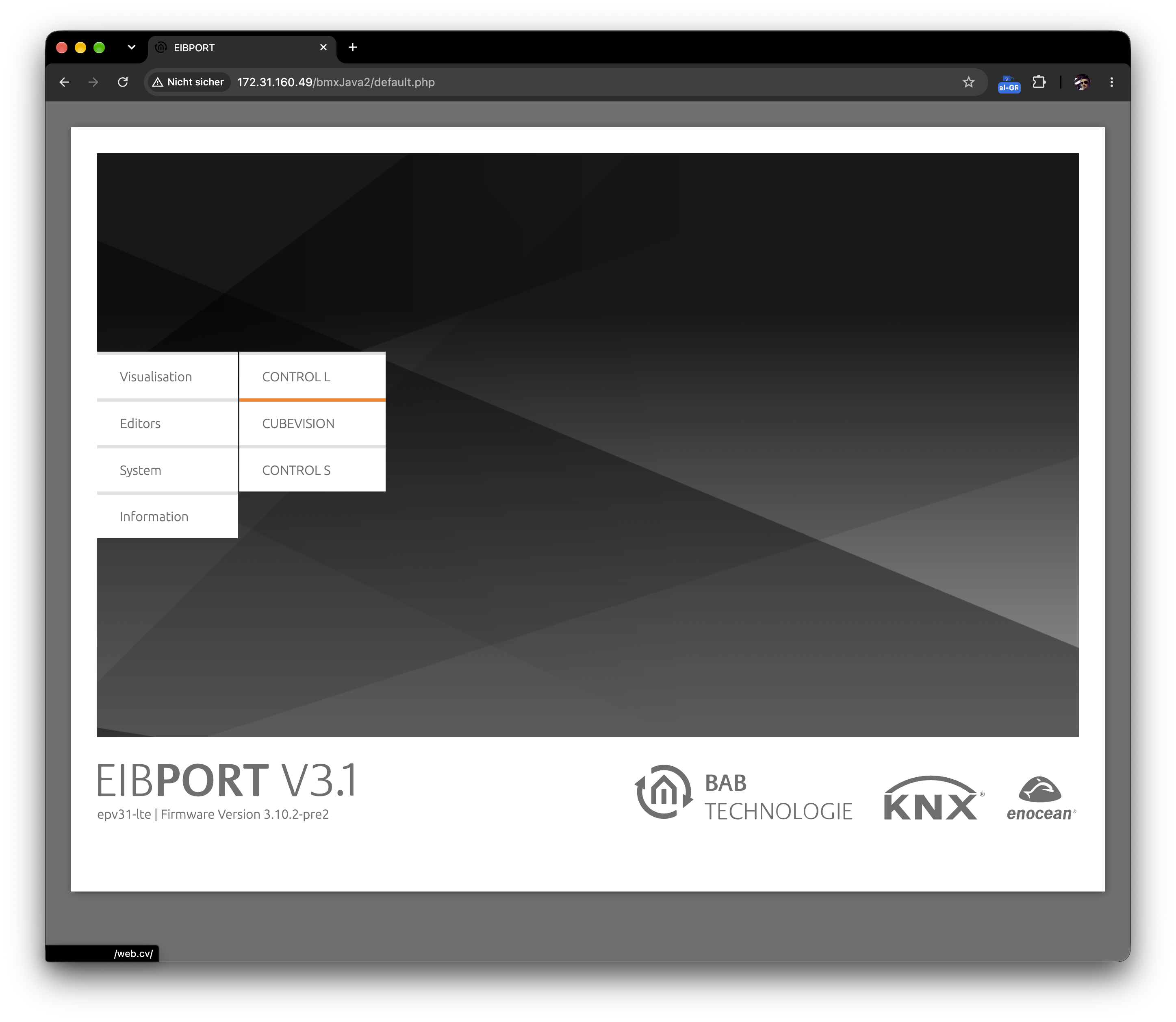
The separate documentation describes the operation and navigation of the visualisation as well as additional features such as favourites, Smart Functions, Launchpad and the different display modes.
Go to the CUBEVISION2 visualisation documentation
https://doc.bab-technologie.com/cv2en/user-manual
///