
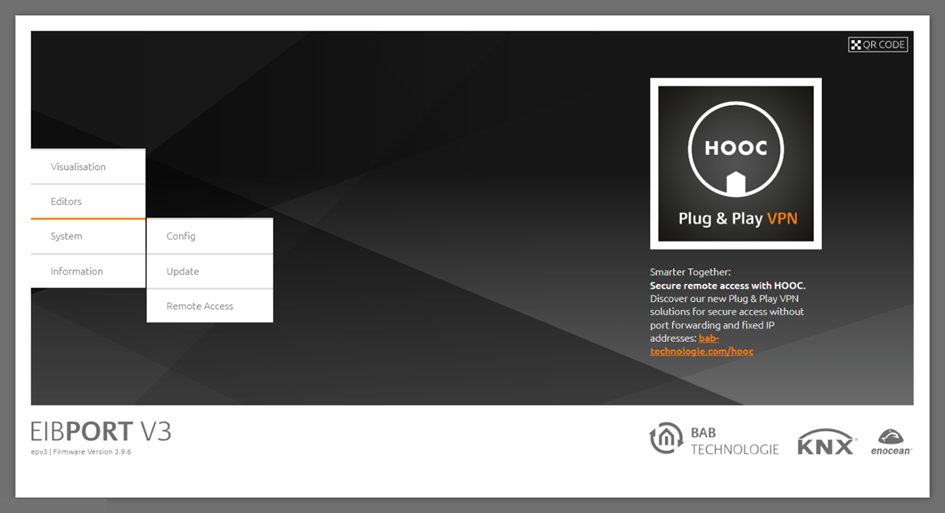
Either the “CONFIG” menu or the “UPDATE” menu can be called up through the “System” menu on the EIBPORT start page. The configuration tool (see “ConfigTool”) for adjusting the system settings hides behind “CONFIG” (the ConfigTool is started via the BAB STARTER).
Via “UPDATE”, you can access the EIBPORT integrated update interface (see “Update via the integrated web interface”).
The “ConfigTool” is used for the following settings, among other things:
-
Physical KNX addressing (not done via ETS!)
-
Network parameters incl. port settings
-
Backup & restoration
-
KNXnet/IP settings
-
VPN & BAB SECURELINK
-
User data management (not for visualisation)
-
Database
-
Disk management