

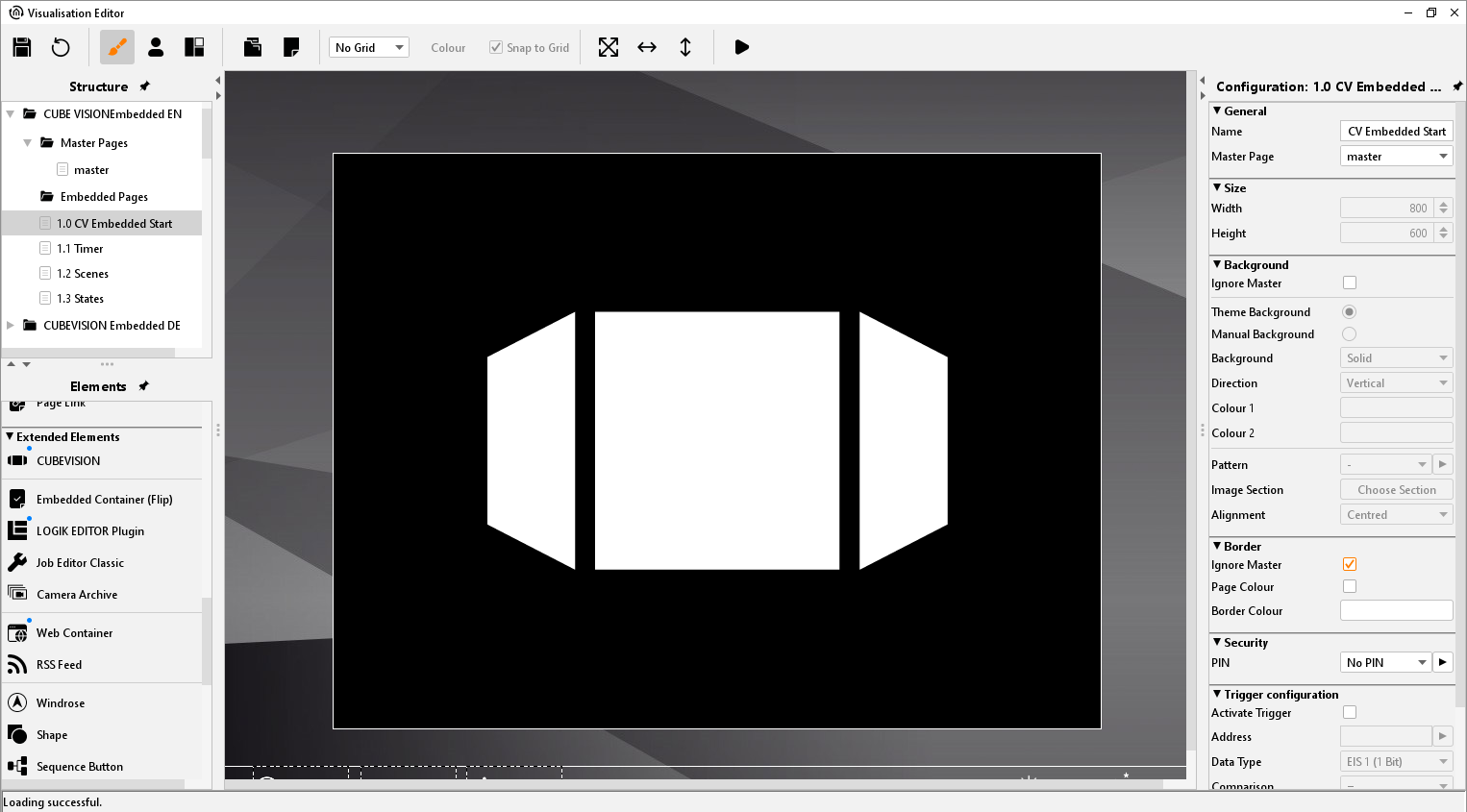
This element is used to integrate CUBEVISION into the free CONTROL L visualisation. (Also see chapter "CUBEVISION"). For a detailed description of the configuration, please refer to the CUBEVISION documentation which is available on the supplied CD or at www.bab-tec.de.
CONTROL L support
This element only works in the CONTROL L visualisation but NOT in the Java Visualisation.
Settings
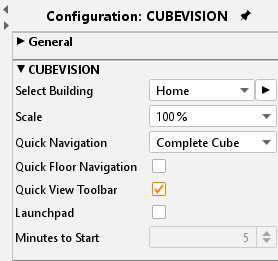
Select Building
To select the previously created CUBEVISION projects. Use the arrow button to the right of the selection to call up the CUBEVISION Editor. For a description of the Editor, please refer to the separate CUBEVISION documentation (available on the supplied CD or at www.bab-tec.de).
Scale
You can enlarge the control elements of the CUBEVISION if necessary. The size of the CUBE remains the same.
Quick Navigation
The quick navigation feature provides a project overview and enables you to quickly navigate to the desired room. The following items can be selected:
-
No Quick Navigation
-
Entire surface
-
Right bottom corner
Quick Floor Navigation
If this option is activated, the transition between floors is realised via buttons that appear. The CUBE can then only be rotated, not pushed vertically.
Quick View Toolbar
If this feature is enabled, the icons of the elements configured for Central View are shown in the window of the embedded CUBEVISION (see CUBEVISION documentation).
Launchpad
If this option is activated, a kind of screen saver is shown after a configurable time without interaction, via which up to 6 scenes can be started directly.
Minutes until start
When the Launchpad is activated, the time of interaction or for starting the Launchpad can be configured here.