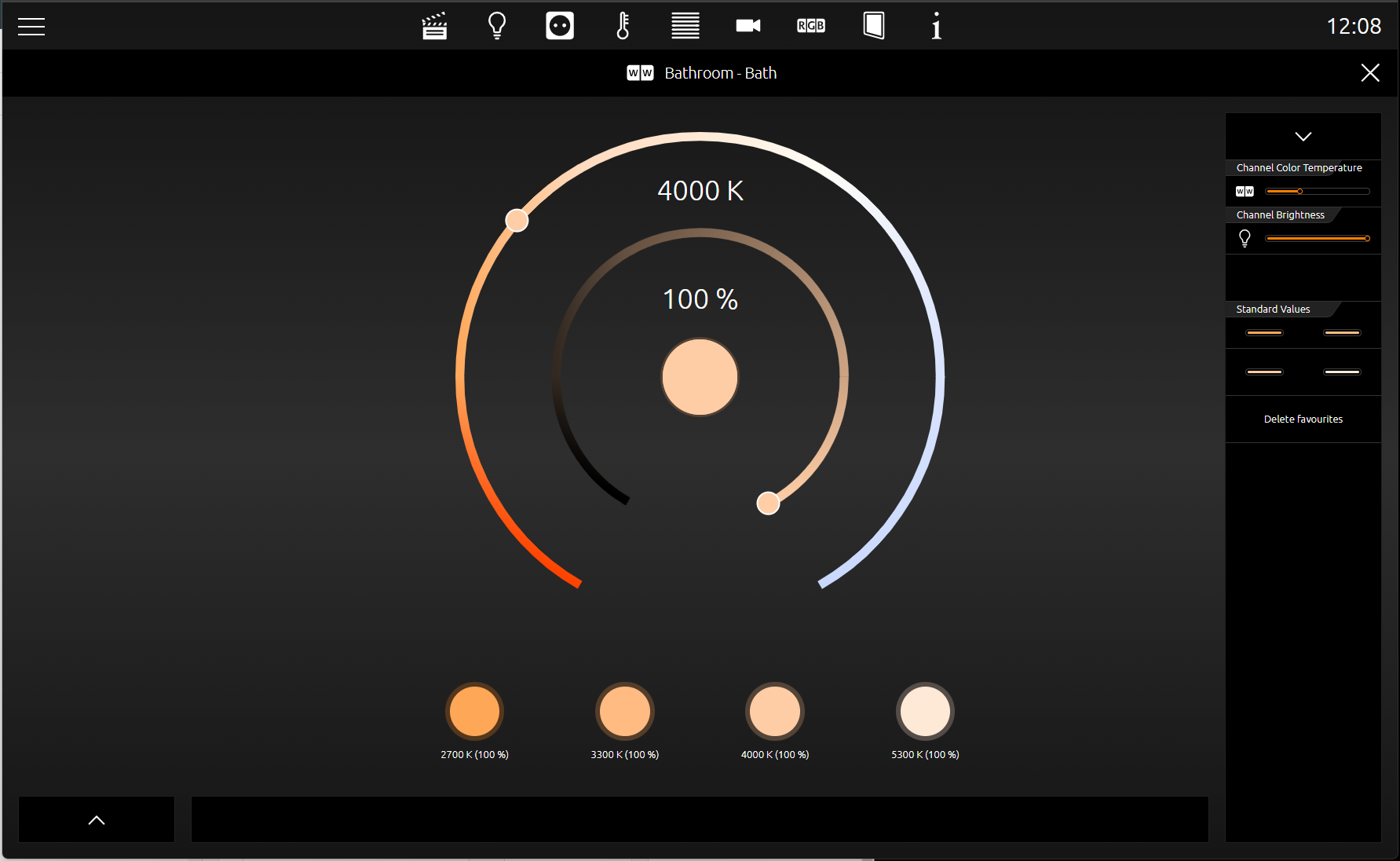
The SMART SCREENS control element allows you to simplify the configuration of integrated systems and components that are controlled via the Smart Home app. SMART SCREENS are grouped or complex control units of the respective Smart Home app.
On the one hand, these control units can be used directly via the SMART SCREEN app or are inserted here as a complex control element in the CUBEVISION visualisation.
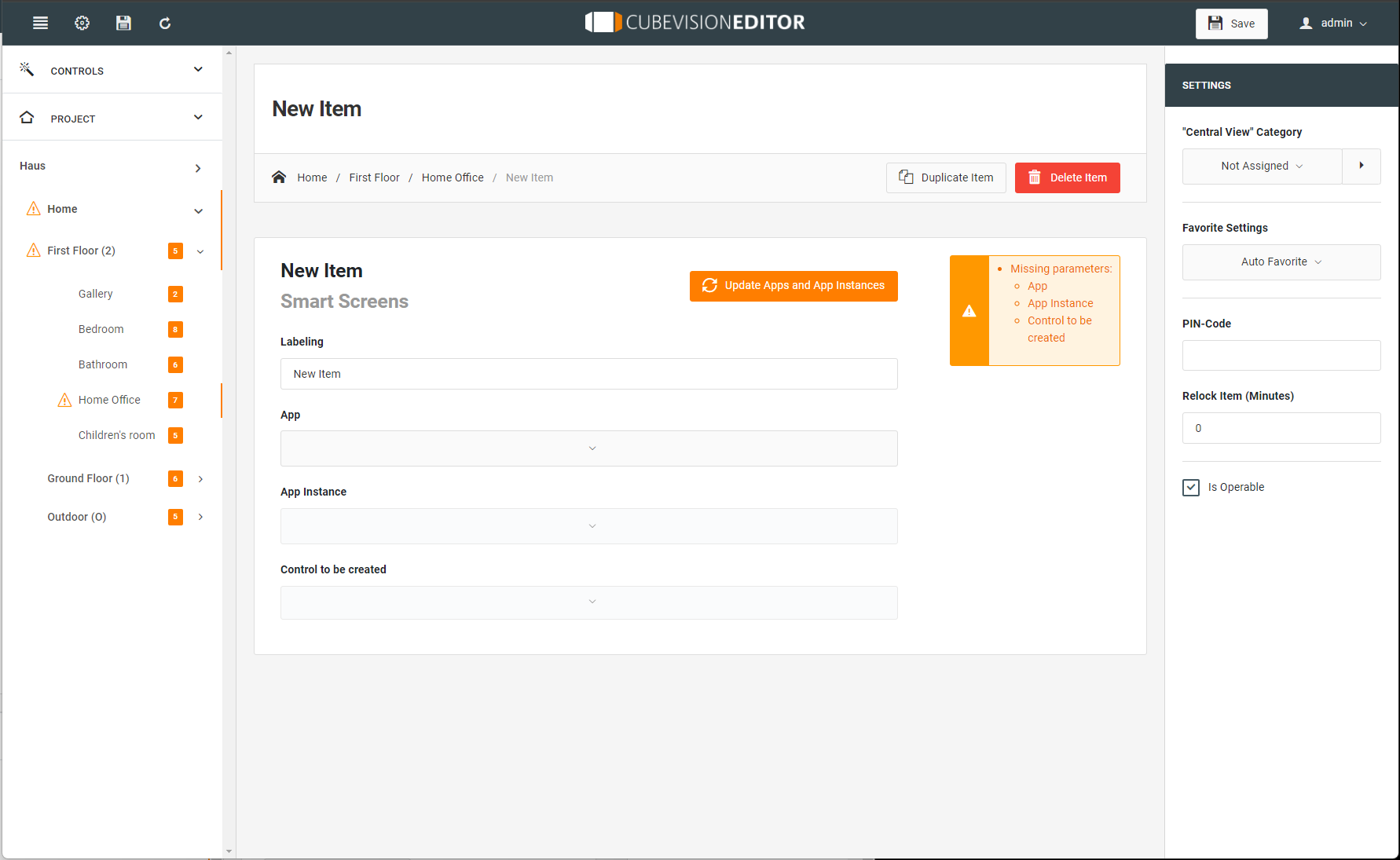
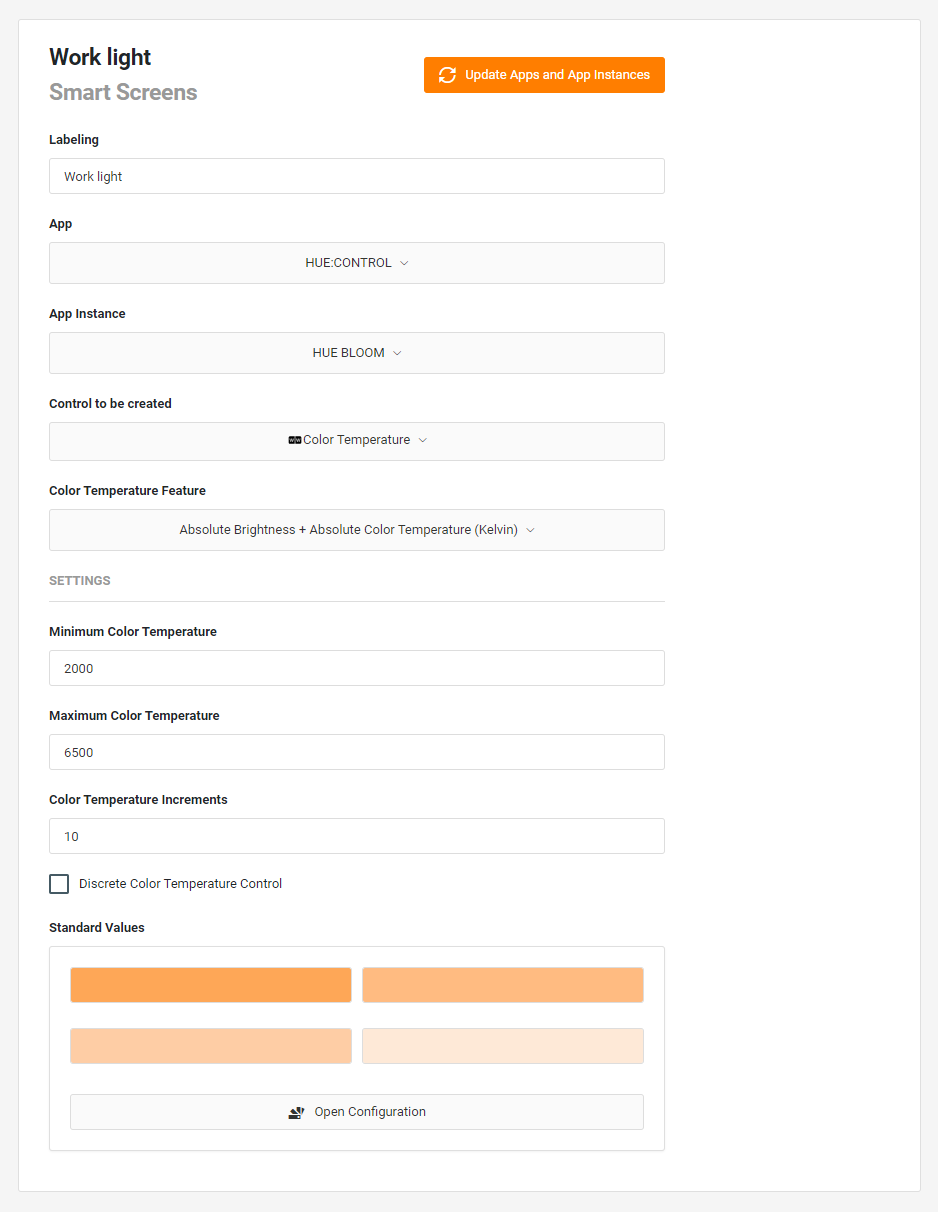
This control element has the following configuration fields (see figure on the left):
Labelling: The label is displayed in the title bar of the visualisation element.

Update your network to display the existing Smart Home Apps of your CUBEVISIONMODULE X that have been installed, even in the meantime, with the respective instances.
App: Select the Smart Home App that you would like to use.
The following settings depend on the Smart Home App installed and used.
App instance: Select an instance that you have created under the Smart Home App on your CUBEVISIONMODULE X for use.
Control elemnt to be created: Make your selection.
Depending on the element feature, further selection windows are displayed, which you can select accordingly.
Existing features that have not been configured in the app are displayed as errors. If necessary, these features must be configured in the app.
After the respective changes, the apps and app instances must be updated again.