
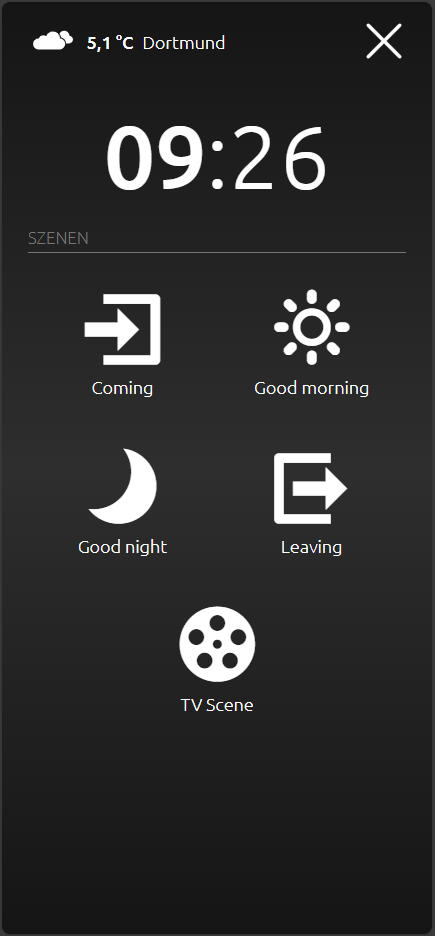
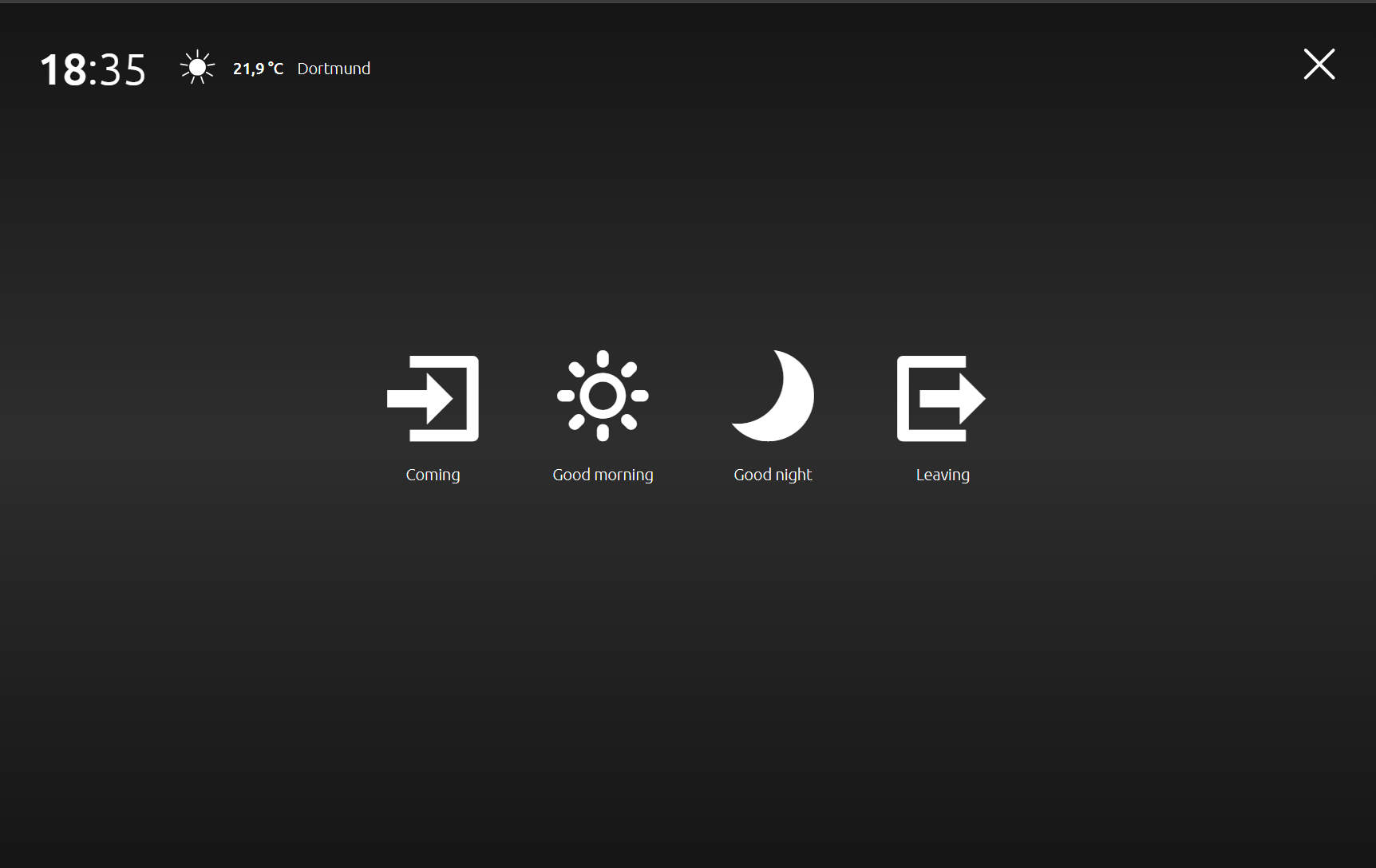
The Launchpad provides quick access to up to 6 scene triggers. It can be enabled in the settings section of the CUBEVISION start page.
Launchpad disabled:
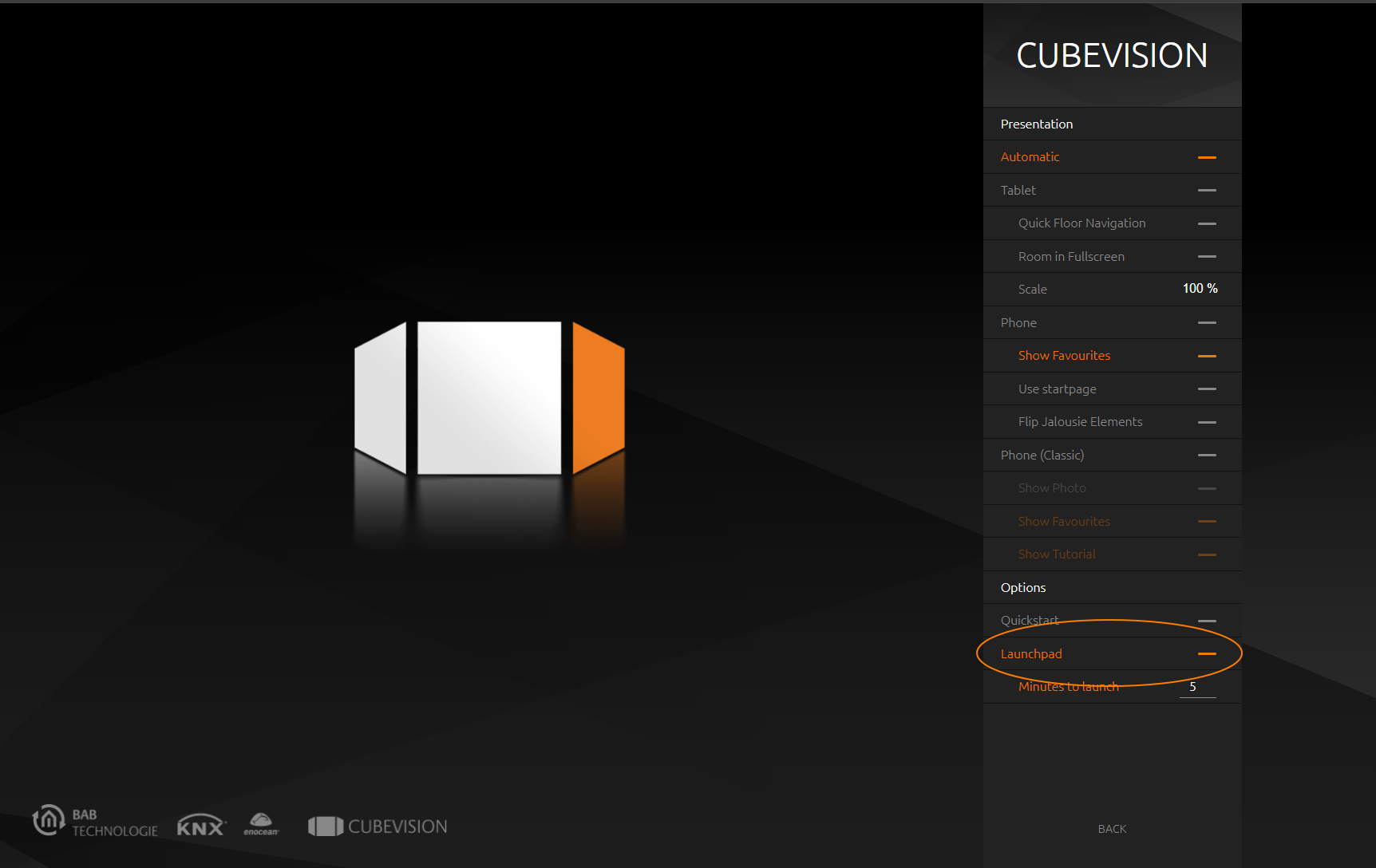
If the option is deactivated, the entry is grayed out and the Launchpad is deactivated
Launchpad enabled:
If the option is activated, the entry is highlighted in orange. If this option is activated, the Launchpad can be called up manually at any time.
You can also enter a time (in minutes) after which the launchpad is automatically called up.
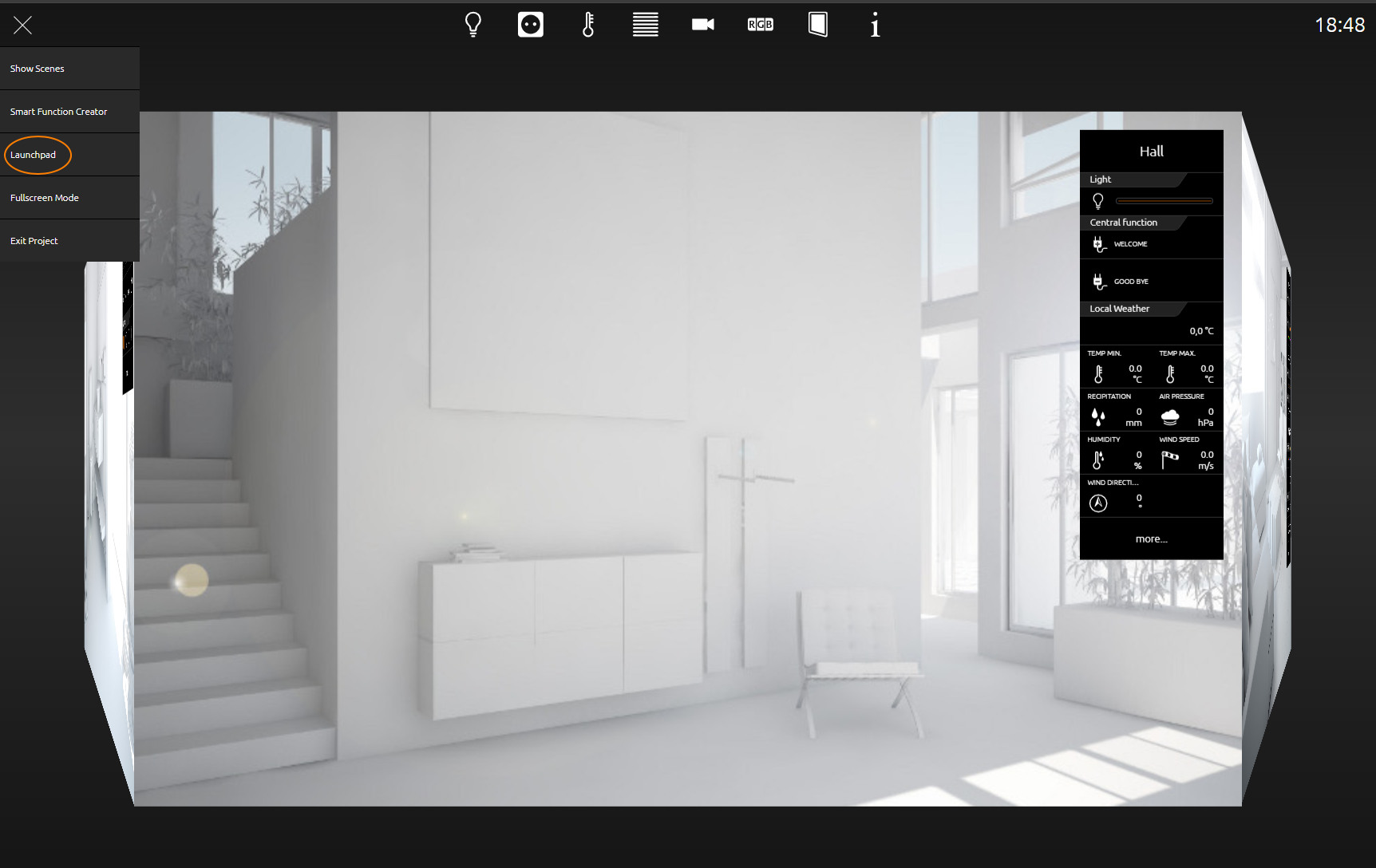
In the CUBEVISION visualization, the launchpad can be called up manually via the burger menu using the menu item of the same name.
///