
The menu bar in the CUBEVISIONEDITOR takes you to the access management for the CUBEVISION visualisation. Here you can assign the access rights for the visualisations to the users who were created in the PROJECTMANAGER.
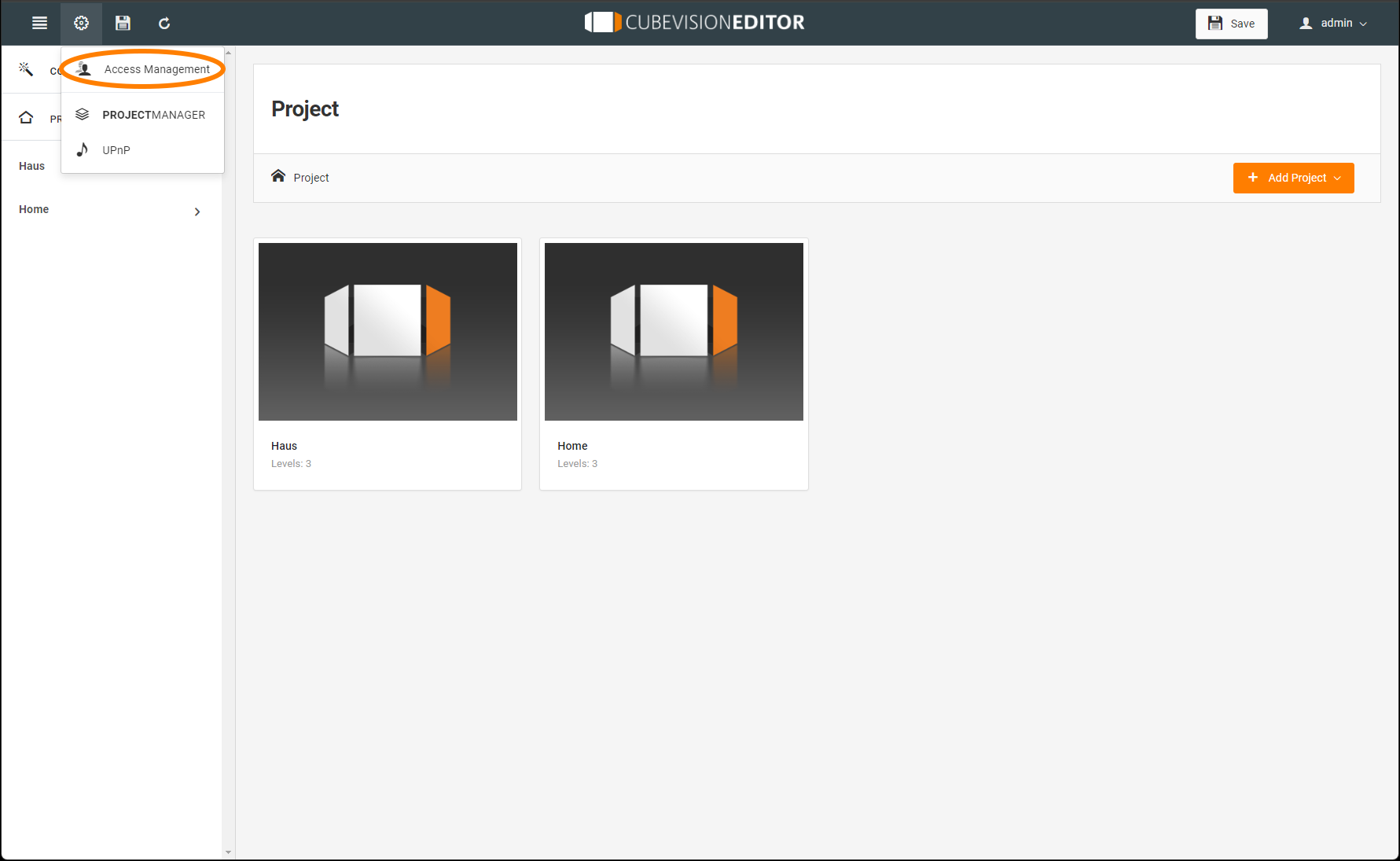
Access rights for the respective visa users are assigned in two areas:
-
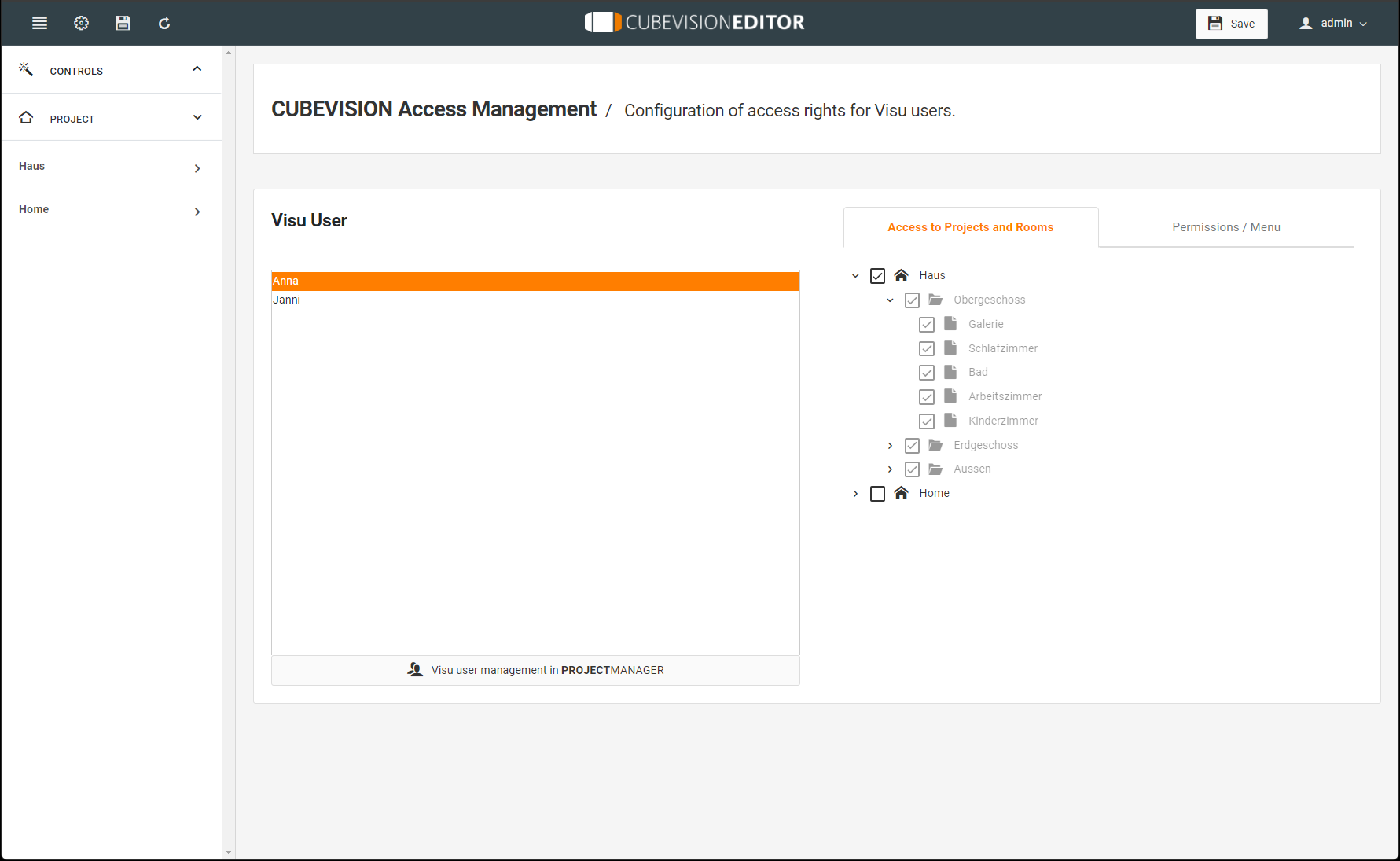
Access to projects and rooms
-
Permissions / Menu
Access to projects and rooms:
Assign the rights here for the entire area (building) or, after opening the tree structure, individual rights for sub-areas.
Permissions/ Menu:
Here you can define which menu items or functions the visa user may access, e.g.:
-
Trigger scenes.
-
Use Smart Function Creater to create own scenes.
-
Exit project, or there is an automatic logout, for example.
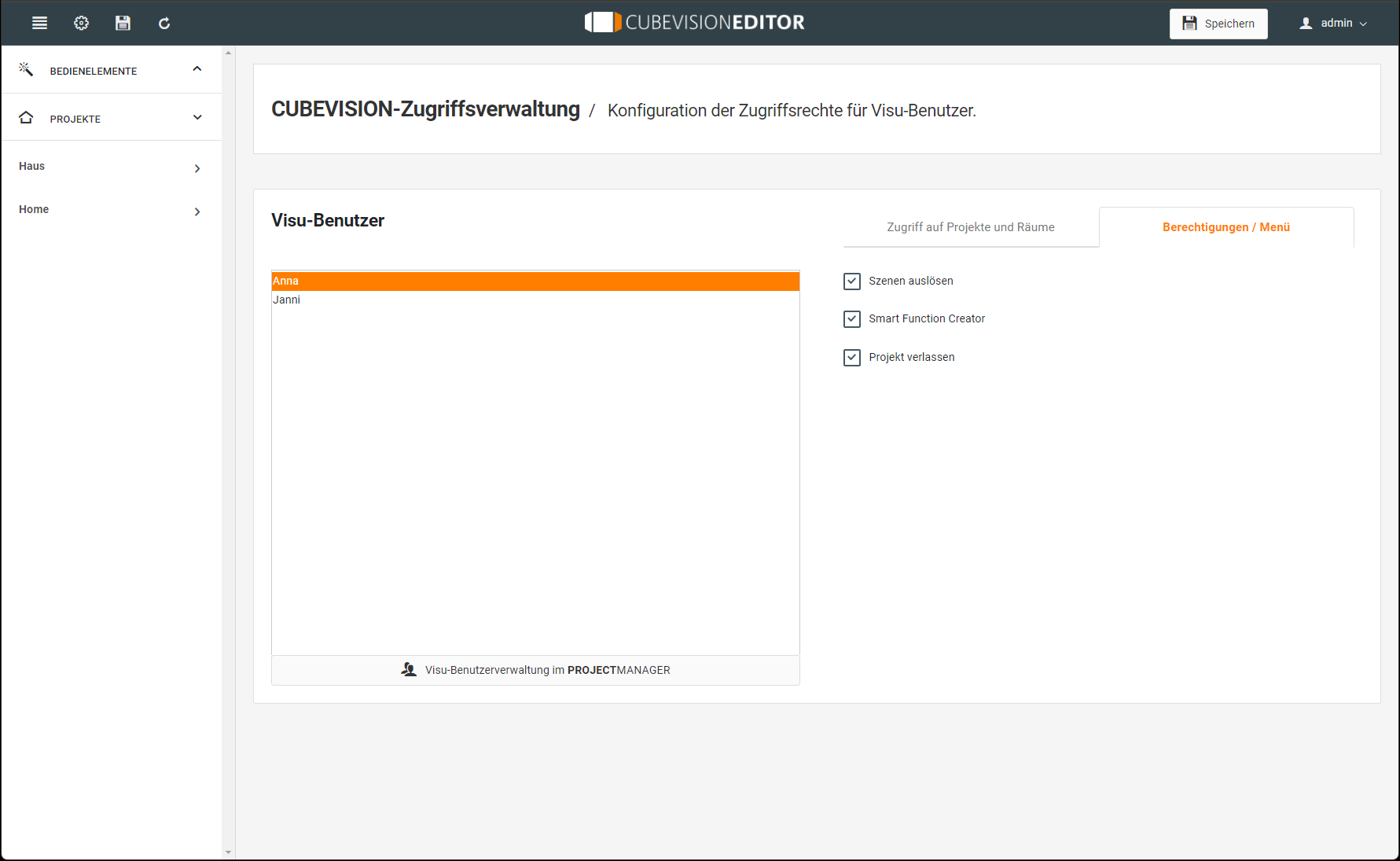
The user administration can be accessed directly via the "Visu user administration in PROJECTMANAGER" button. This allows you to add or delete additional users in PROJECTMANAGER.
Before switching, save your previous changes.
///