
Just like scenes, individual steps can also be exported and reused.
Exporting a Step
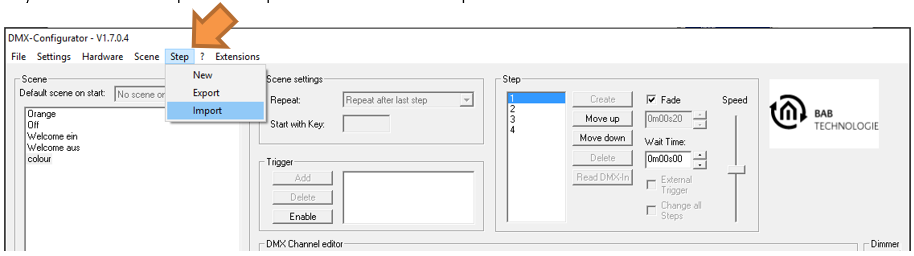
To export an individual step, select:
"Step" → "Export"
The step is saved as a file with the ".stp" extension.
Importing a Step
To import a previously exported step into the current project, select:
"Step" → "Import"
The selected .stp file is added to the end of the Step List in the current project.
///