
In addition to saving complete projects, individual scenes can also be saved separately. This is especially useful when the same scene is required in multiple projects.
Exporting a Scene
To export an individual scene, select:
"Scene" → "Export"
The scene is saved as a file with the ".scn" extension.
Importing a Scene
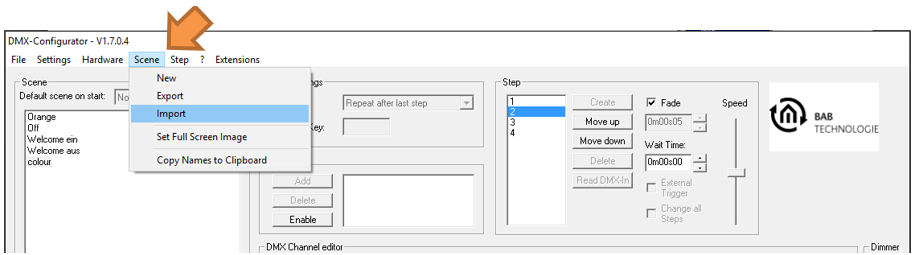
To import a previously exported scene into the current project, select:
"Scene" → "Import"
The selected .scn file is then added to the currently opened project.
///