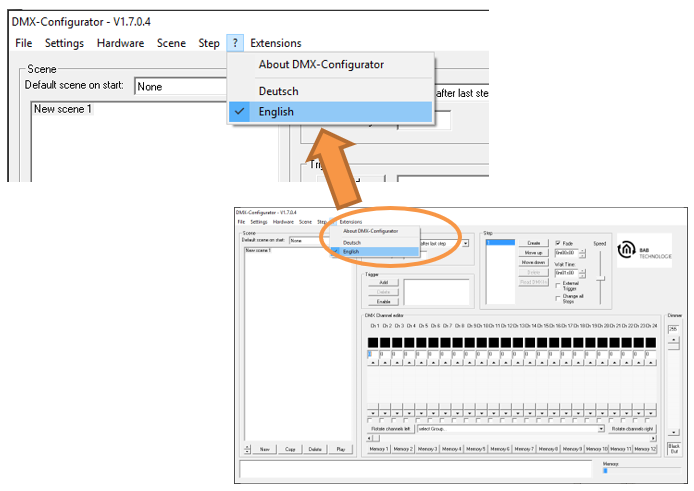
To change the language of the DMX Configurator, open the menu by clicking the "?" (Help) icon and select the desired language.
After changing the language, restart the DMX Configurator for the new language setting to take effect.
///

To change the language of the DMX Configurator, open the menu by clicking the "?" (Help) icon and select the desired language.
After changing the language, restart the DMX Configurator for the new language setting to take effect.
///