
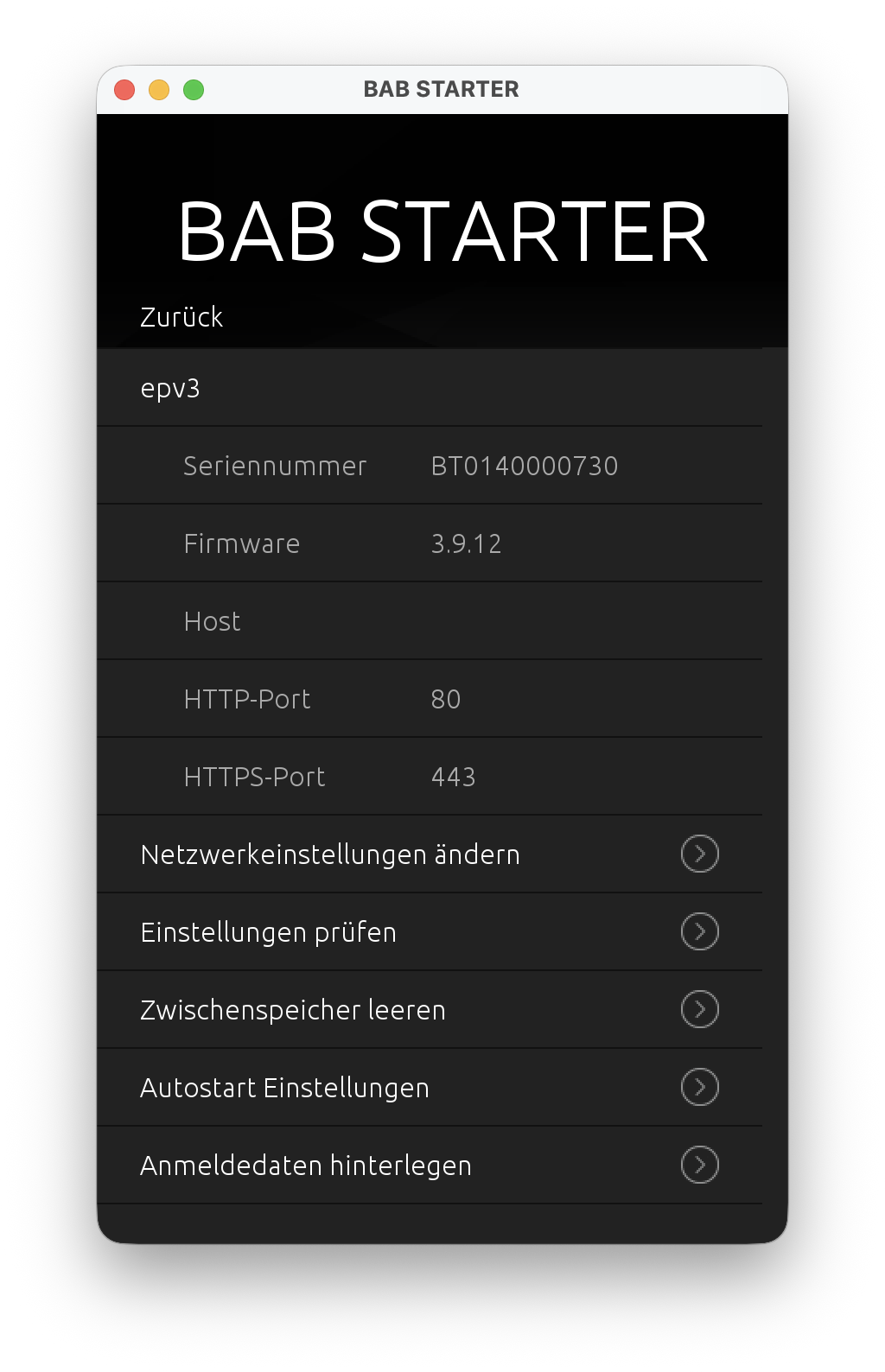
The “Details” menu item allows you to view information about the selected EIBPORT and configure various device-specific settings.
The upper section displays the individual device name and the following device information:
-
Serial Number: Unique serial number of the EIBPORT.
-
Firmware: Currently installed firmware version.
-
Host: Hostname or IP address of the device.
-
Netmask: Currently configured subnet mask.
-
HTTP Port: Port used for HTTP communication.
In addition, the following functions are available:
-
Change Network Settings: Modify the EIBPORT network configuration.
-
Check Settings: Verify important device settings.
-
Clear Cache: Delete cached application data.
-
Autostart Settings: Configure the automatic startup of supported applications.
-
Save Login Credentials: Store login credentials for accessing the device.
Content
///