
For the DUODMX GATEWAY KNX SR REG, select either the "KNX" or "KNX Master/Slave" device type. A detailed explanation of the "KNX Master/Slave" option can be found in the chapter "KNX SR Configuration Supplement".
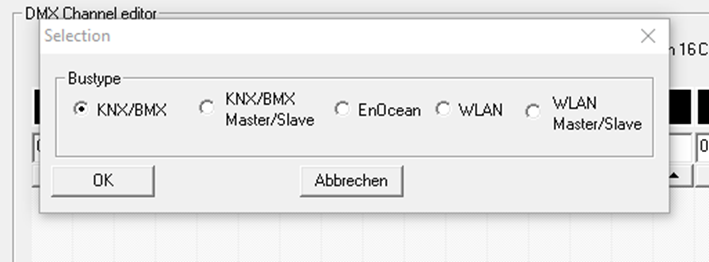
Communication is performed via KNX Twisted Pair (TP). All control commands are transmitted using KNX group addresses.
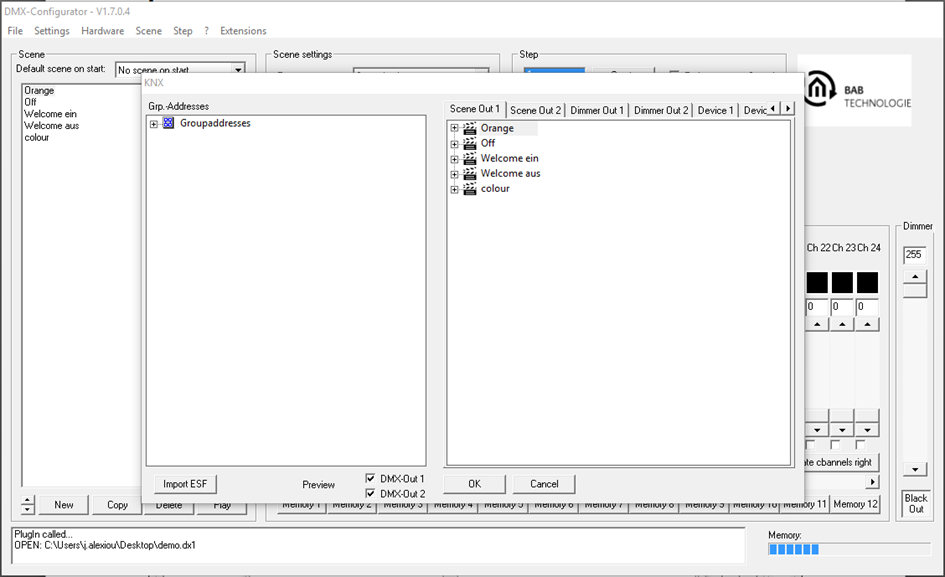
After selecting the device type, the Extensions window opens with the KNX-specific configuration parameters.
The window is divided into two sections:
-
Left pane
-
KNX group address management
-
-
Right pane
-
Linking DMX channels and scenes
-
LAN/KNX configuration
-
///