
CUBEVISION is a web-based visualisation which is automatically generated. It can either be embedded as a visualisation element into an individually generated visualisation within the editor, used as standalone feature or called up via the CUBEVISION app. (See chapter on the "CUBEVISION" visualisation element).
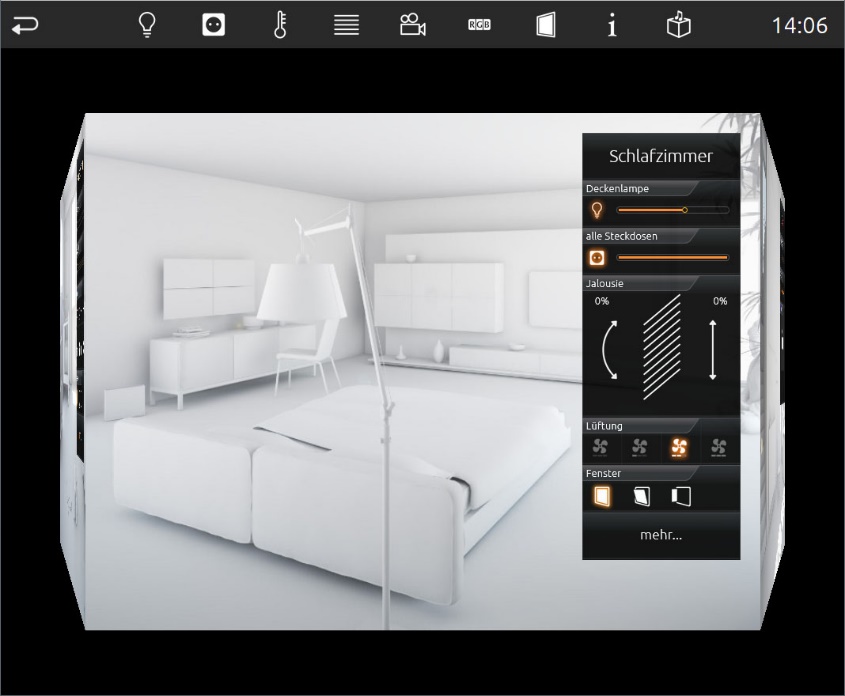
CUBEVISION 2 and the CUBEVISION Editor are described in detail in separate documentation. This documentation is available in the download section at BAB-TECHONOLOGIE - Smart Home Gateways.
CUBEVISION Standalone
CUBEVISION is called up directly via "EIBPORT start page" – "CUBEVISION". First, the available project selection is shown.
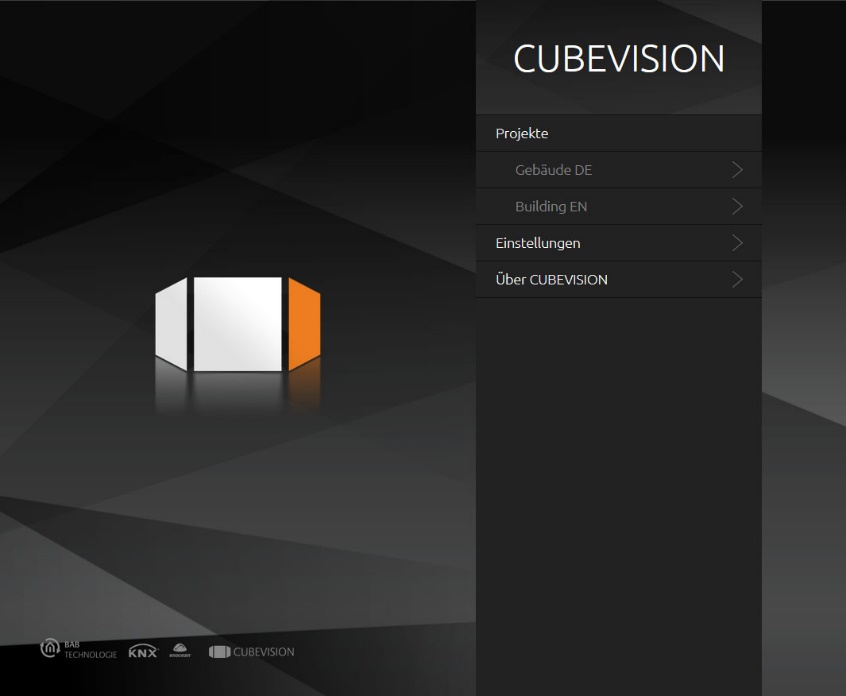
The following options are parametrised under "Settings":
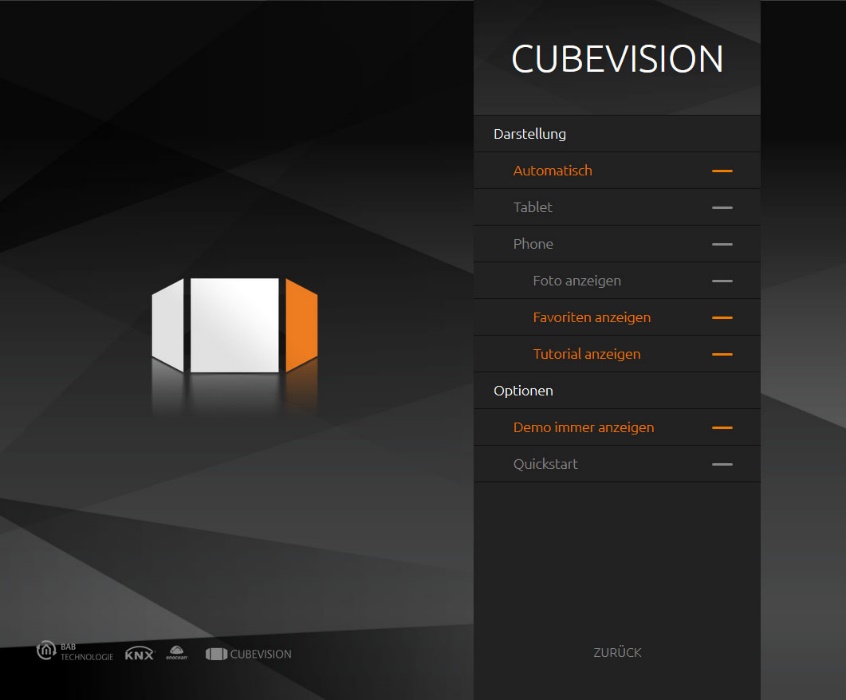
Presentations – Automatic / Tablet / Phone
CUBEVISION offers two types of presentation. "Tablet" means the 3D cube presentation for devices with larger displays, "Phone" means the presentation for smaller displays, such as in smartphones. If you select the setting "Automatic", CUBEVISION automatically selects the corresponding presentation depending on the resolution. The visualisation automatically scales the screen size.
-
Minimum size (less the corresponding status bars) for tablet presentation if "Automatic" is selected = 950x700 (according to DPR)
Show photo
Background pictures are also shown in the phone view.
Show favourites
Favourites are also shown in the phone view.
Show tutorial
During the first start-up the user is guided through the program.
Always show demo
Only relevant for the CUBEVISION APP. Shows a demo project even if no project has been created.
Quick-start
Only relevant for the CUBEVISION APP. Directly calls up the most recently opened project.
CUBEVISION embedded in CONTROL L
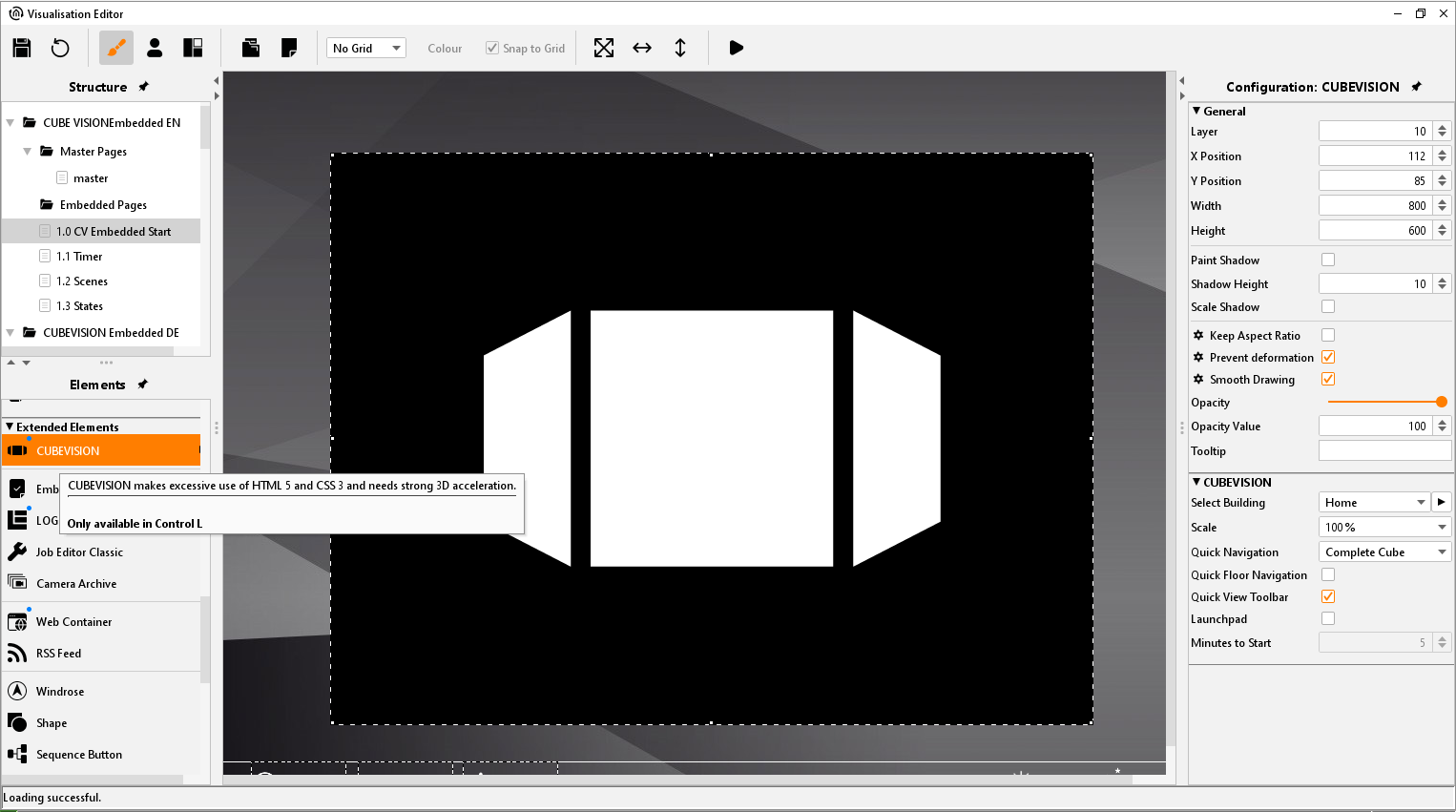
The "CUBEVISION" visualisation element is used to embed CUBEVISION into an individual CONTROL L visualisation. In this way, functions of the CONTROL L visualisation and CUBEVISION can be combined.
CUBEVISION APP
The "CUBEVISION app" for displaying CUBEVISION on Android and iOS devices is available in the Google Play Store and Apple Appstore.

CUBEVISION import
The CUBEVISION project data can be imported into EIBPORT using the selective project import from the EIBPORT backup data.