
The Moods function allows color impressions from your own photos to be applied directly to the connected lights.
To create a Mood, select a photo in the DUODMX APP. By tapping the image, five different colors are extracted from the photo. These colors can then be displayed either as individual colors or as a sequence with an adjustable playback speed.
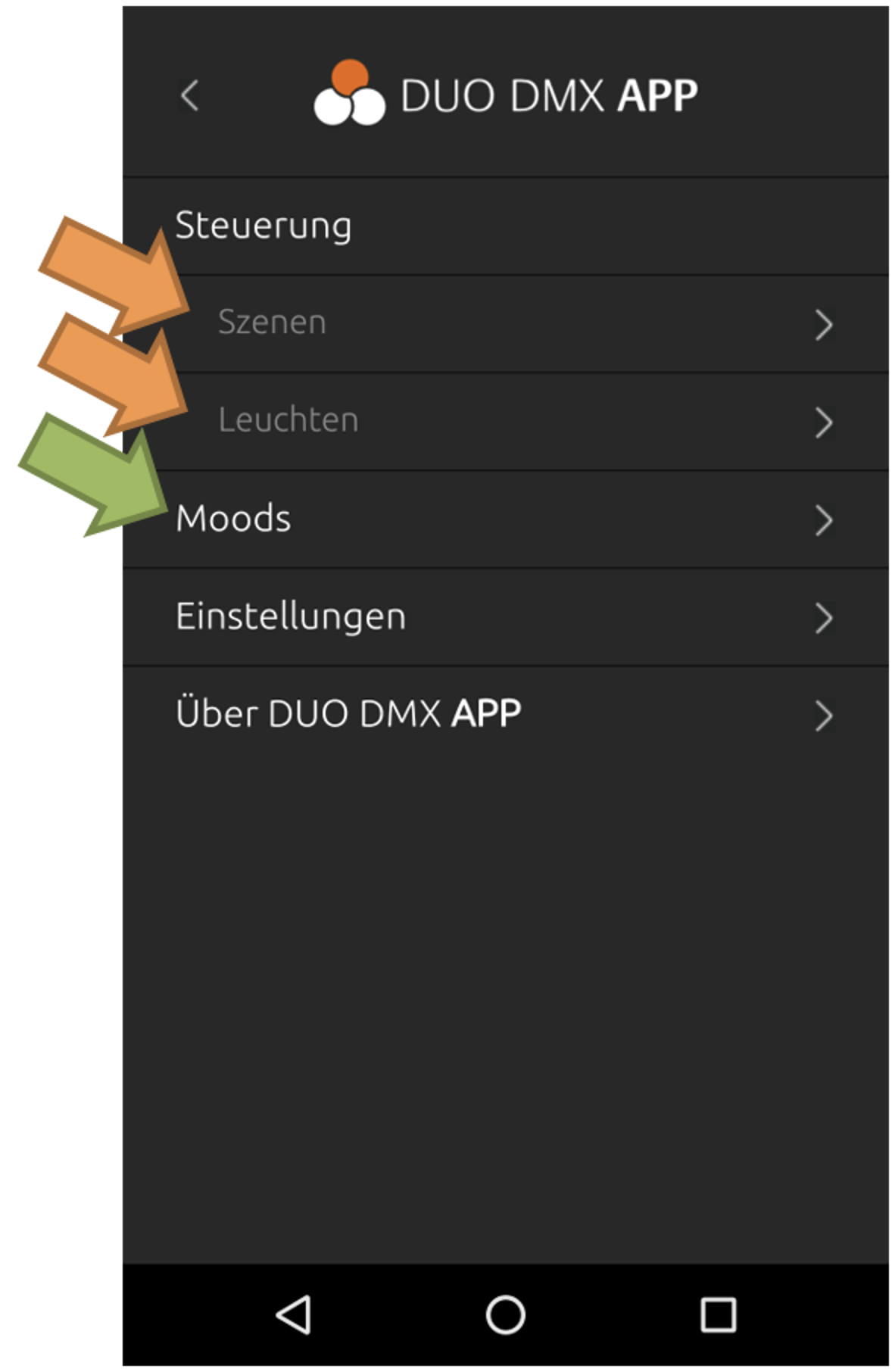
The Moods menu is used to create, manage, and control Moods.
Contents
///