
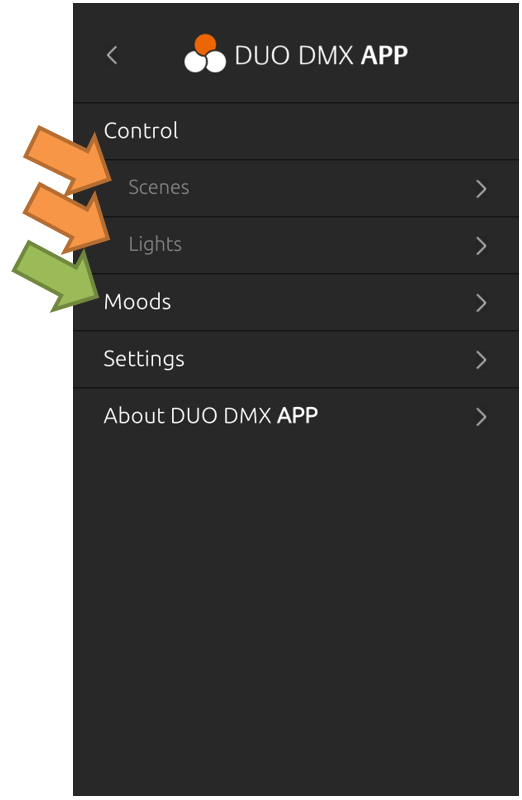
After successfully connecting to the DUODMX GATEWAY, the following functions are available in the DUODMX APP (see Figure 61).
|
Menu Item |
Description |
|---|---|
|
Control → Scenes |
Scenes (also referred to as sequences) consist of lighting sequences. They can be started or paused. |
|
Control → Lights |
Allows direct control of individual lights. Single-channel lights can be dimmed. RGB and RGBW lights are controlled using a Color Picker. In addition, four user-defined favorite colors are available for quick access (see Figure 69). |
|
Moods |
Create, manage, and recall Moods (see Figure 61). |
|
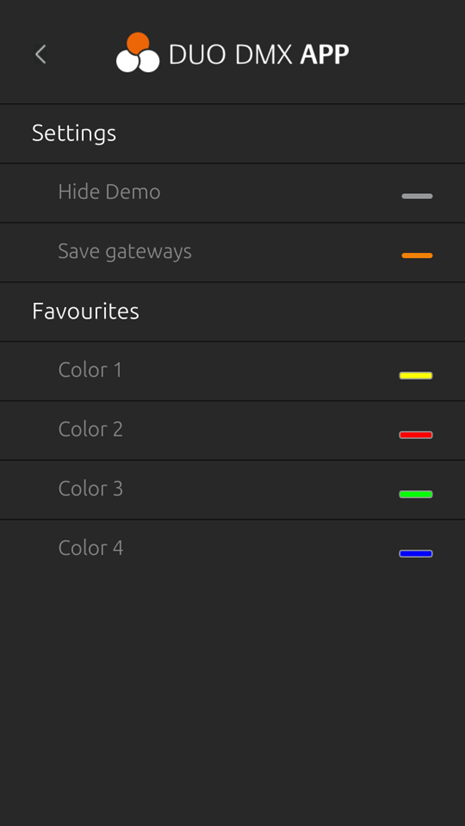
Settings |
Provides various configuration options, such as enabling the Demo Project, storing connected DUODMX GATEWAY devices, and defining four favorite colors (see Figure 62). |
|
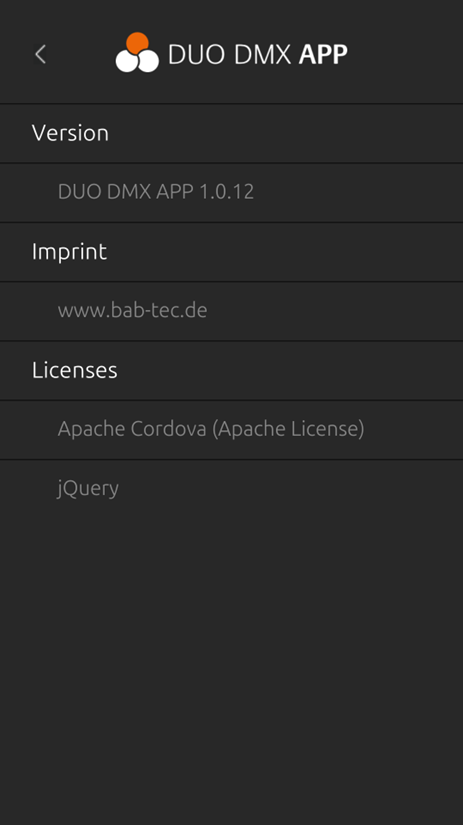
About the DUODMX APP |
Displays application information, including the currently installed app version (see Figure 63). |
///