
The DUODMX APP can be connected to the DUODMX GATEWAY either manually or automatically.
Manual Connection
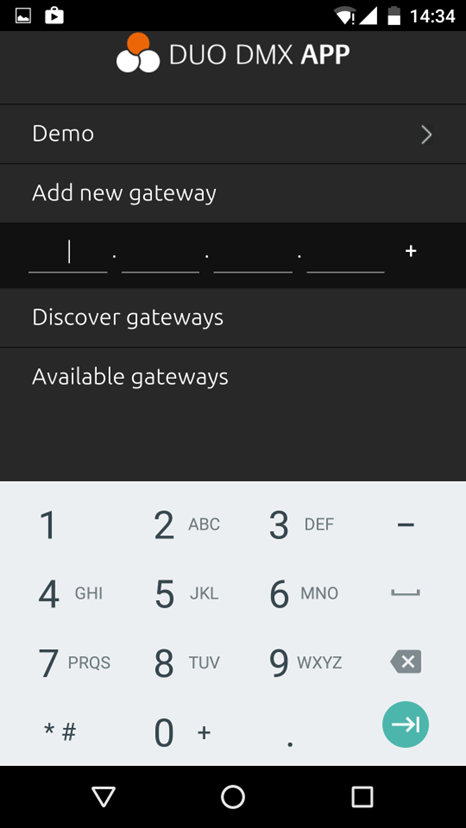
On the home screen, select "Enter Gateway Manually".
If the IP address of the DUODMX GATEWAY is known, it can be entered directly. Figure 60: Manual IP Address Entry
Automatic Connection
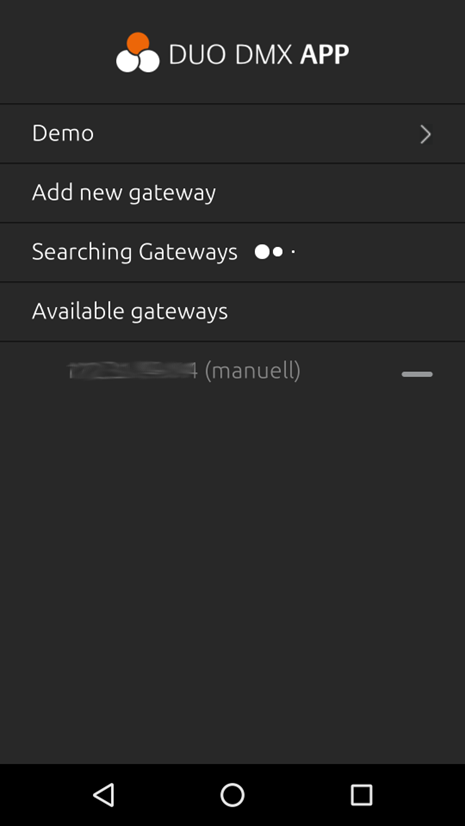
On the home screen, select "Search for Gateways".
The DUODMX GATEWAY supports a Discovery function that automatically detects all available gateways on the local network. Figure 59: DUODMX APP – Gateway Search
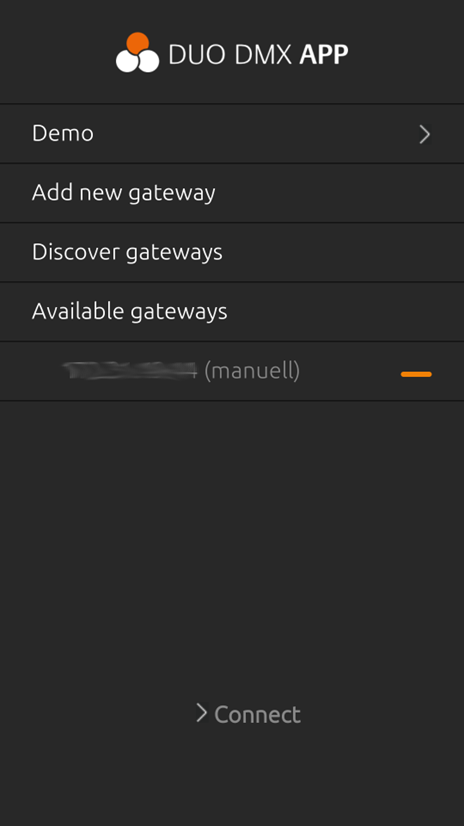
Select the desired DUODMX GATEWAY by tapping it. The selected gateway is indicated by an orange bar on the right side of the list.
Then tap "> Connect" to establish the connection.
The configuration data is automatically loaded from the DUODMX GATEWAY.
///