
Remote Servicing is available as of firmware version 1.2.3.
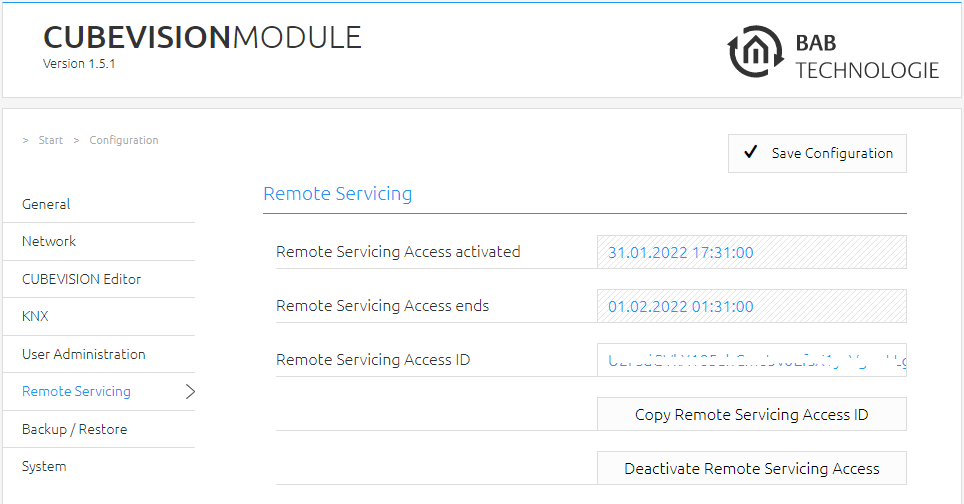
Activate the Remote Servicing Access of the CUBEVISIONMODULE. Select a time between 2-12 hours after which the Remote Servicing Access is automatically closed. Remote Servicing Access is also deactivated again if the CUBEVISIONMODULE is restarted; this is independent of the set time. Remote Servicing Access can be deactivated at any time by clicking on "Deactivate Remote Servicing Access".
Activate the Remote Servicing Access by clicking on "Activate Remote Servicing Access".
Remote Servicing access is started. This process takes a few seconds and the Remote Servicing Access ID is displayed. Copy the ID and send it to info@bab-tec.de.
Before you activate Remote Servicing Access, contact Support.
///