
EnOcean Editor
A detailed description for the EnOcean Editor can be found in chapter "Usage of the EnOcean Editor"!
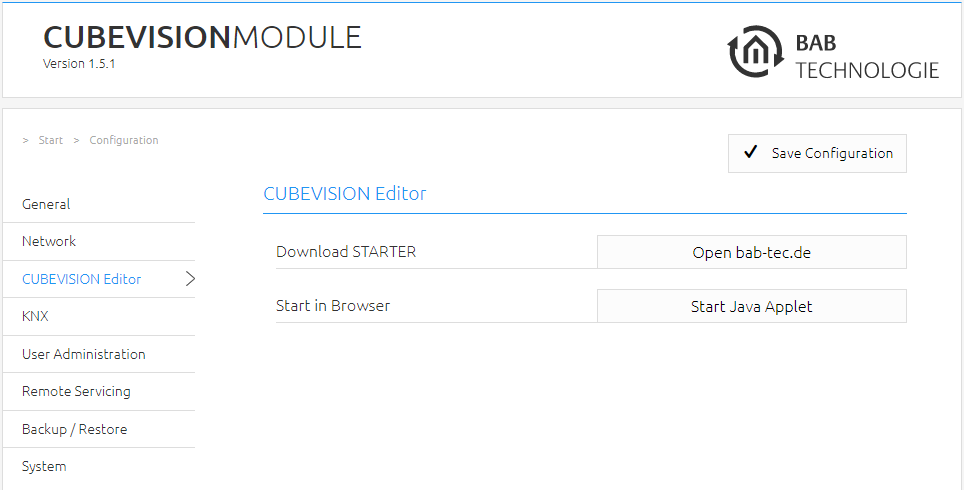
The EnOcean Editor is a Java application. You have two possibilities to start the editor.
-
You can use BAB STARTER, which you can download from our website „bab-tec.de“.
BAB STARTER allows you to start the EnOcean Editor without separately installing a browser or Java! See Using the EnOcean Editor with BAB STARTER.
-
You can start the EnOcean Editor directly in your browser („Start Java Applet“)
Please note:
-
Please use the Firefox 52 ESR browser
-
Please install a current Java version
-
Make sure Java and Firefox are suitable for each other. If you choose to install a 32-bit Java, you must use Firefox 52 ESR 32-bit as well. https://www.java.com/de/download/manual.jsp
Note:
Always use the BAB STARTER for configuration and management.
Using the Java application via a web browser is not recommended and should be avoided, as only the BAB STARTER ensures full functionality and secure operation.
Using the EnOcean Editor with BAB STARTER
To install and start the BAB STARTER, please observe the description and information in chapter "BAB STARTER".
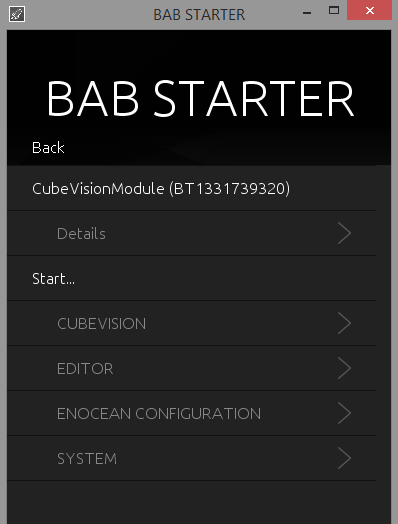
If the CUBEVISIONMODULE is in the same network area, the BAB STARTER menu for the CUBEVISIONMODULE is shown after you have clicked on the corresponding entry.
-
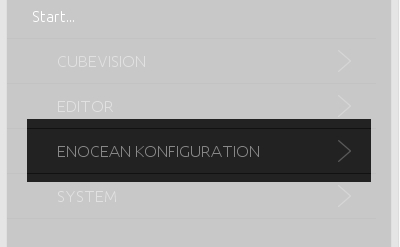
Click on "ENOCEAN CONFIGURATION" in order to start the EnOcean EDITOR.
-
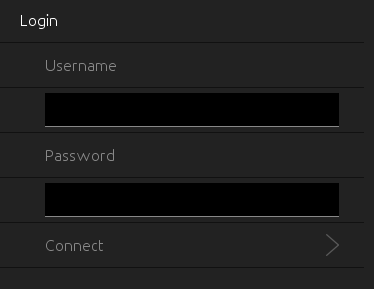
A login screen appears. Please log in with the user data of the CUBEVISIONMODULE.
-
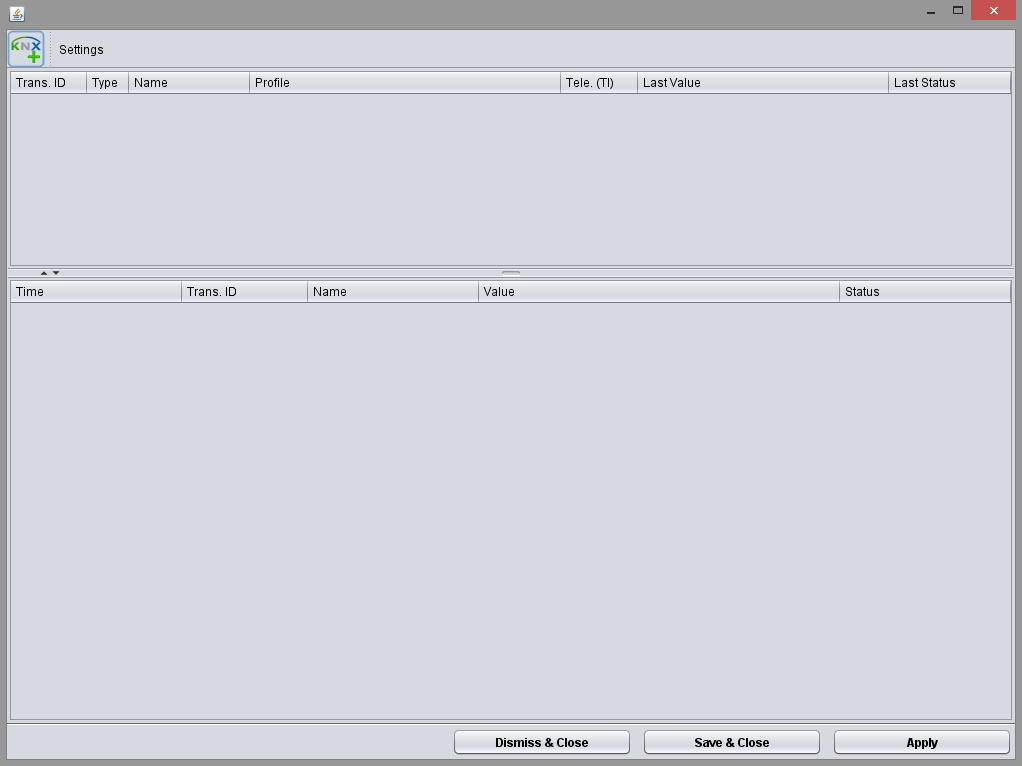
The application starts directly within the BAB STARTER
///