
Logging in
In order to access the configuration, you first must log in. To do this, click "Log In" at the top right of the browser window and enter your user data. In the condition on delivery, the user data is as shown below:
|
Username: |
admin |
|
Password: |
admin |
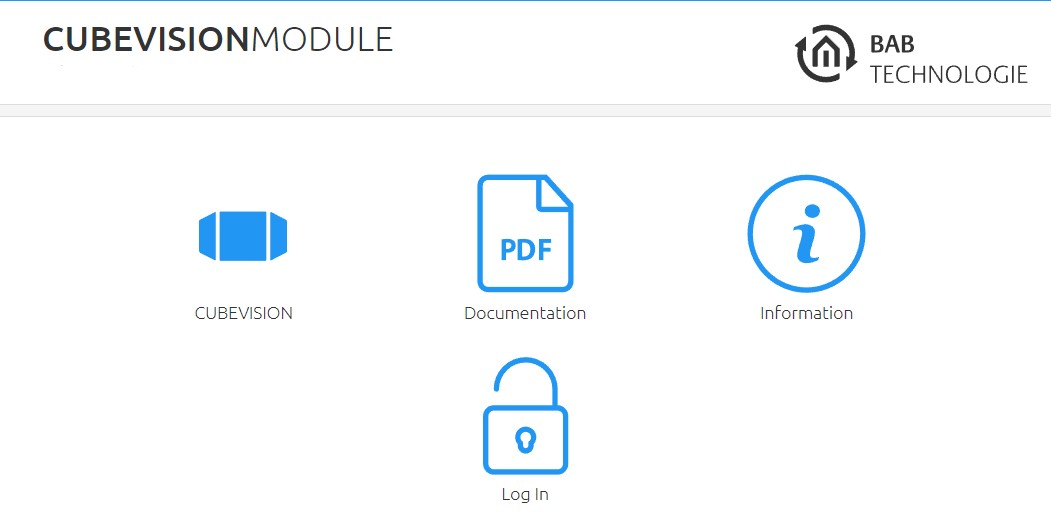
When logging in for the first time, you are asked to change the admin password. Please memorise the password, as the device cannot be reset!
General
The following settings can be made in the "General" menu:
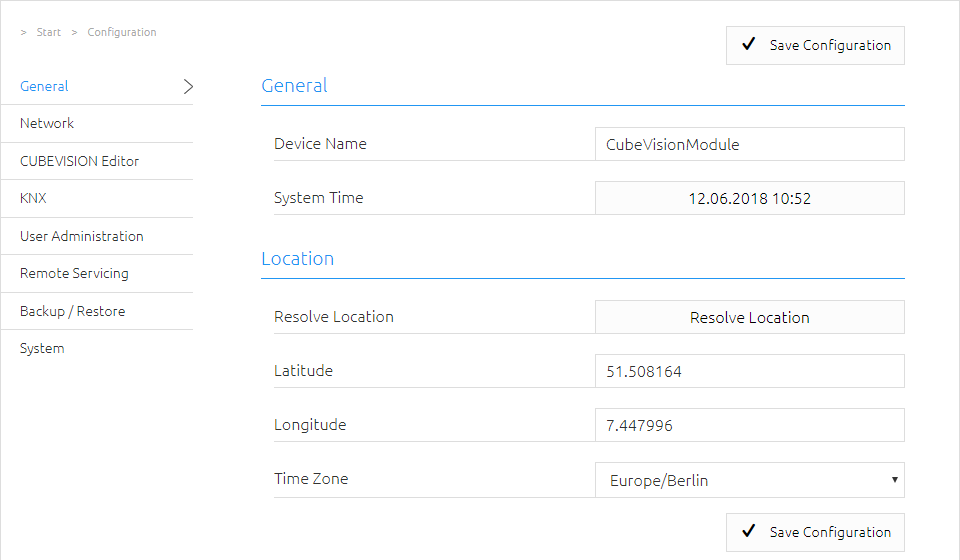
Device name
Assign a unique device name in order to be able to distinguish the device from other devices where necessary. The device name is displayed in the DiscoveryTool and used as hostname [device name]. local.
Installation site
The installation site primarily determines the local system time of the device. Adjust to the correct time zone. The location can be entered manually. To do this, you need the correct information for latitude and longitude or determine the location automatically with the location determination "Determine location".
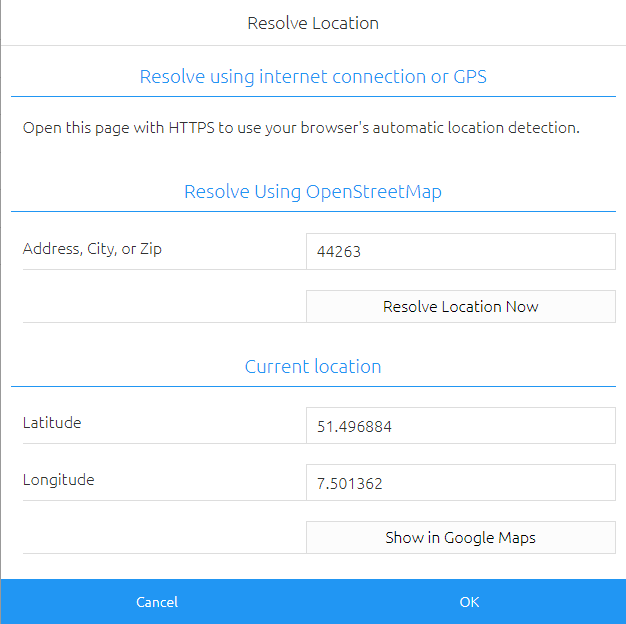
System time
The current system time of the device is shown. By clicking the button, the system time of the device is synchronized with that of the local PC.
Since the CUBEVISION MODULE works with an internal status table which derives its time stamps from the system time, it is important that this time is correct at all times. Please ensure that the time is synchronised via an NTP time server or check the time manually.
Network
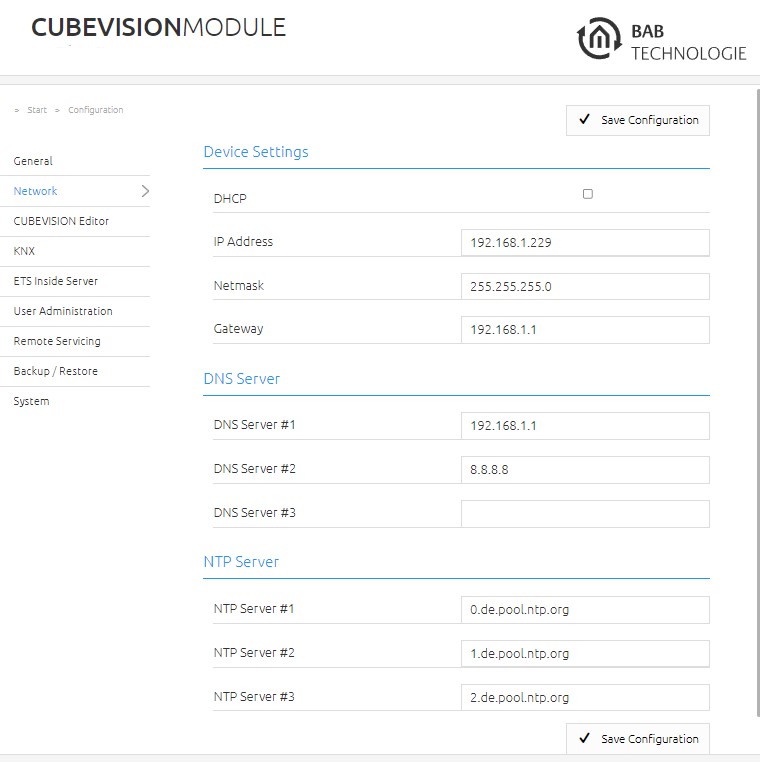
In the "Network" menu item, several changes can be made, for example changing the IP address, DNS server or the NTP server. In addition, the DHCP can be switched on / off.
|
DHCP: |
If DHCP is active, the device automatically obtains the network settings. A DHCP server must be available in the local network. |
|
IP address /
|
If DHCP is not activated, you must adjust the typical network parameters to the existing network. |
|
DNS server: |
DNS is the abbreviation for Domain Name System. The DNS server converts Internet addresses, for example "http://www.bab-tec.de/ " into the IP address 85.214.89.170 and vice versa. |
|
NTP server: |
Configure an NTP server in order to ensure that the device can synchronize its internal clock (system time). NTP server list: |
///