
For the quick and easy handling of the HOOC Client APP (Android / iOS) an automatic login can be activated.
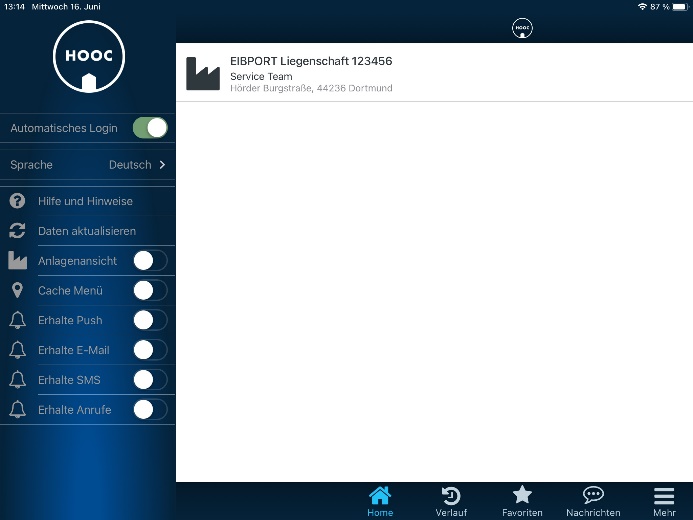
To do this, go via the menu item "More". Then the left extension menu opens.
Here you have to activate "Auto Login" only.
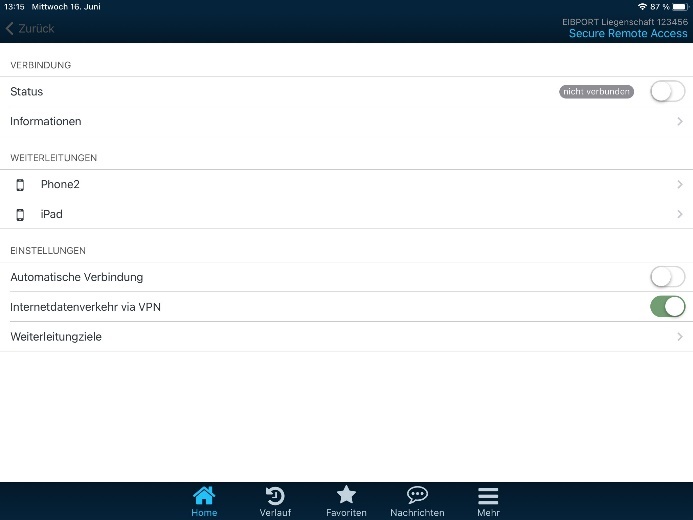
If the connection to the EIBPORT (Gateway) enabled, the extension menu is hidden. Thus, you must first deactivate the connection status. Then the extension menu will be displayed and you can activate "Auto Login".
///