
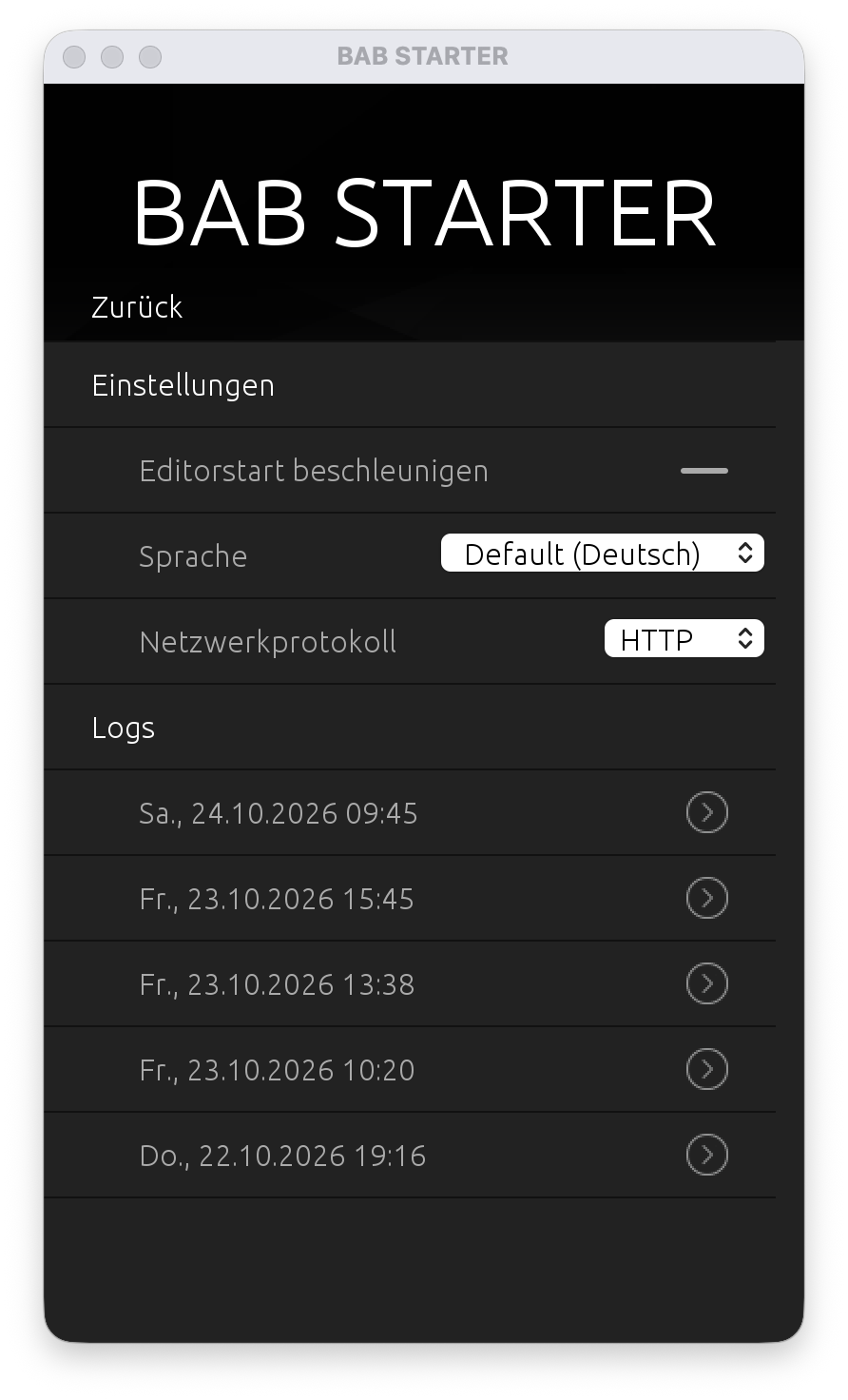
The “Settings” menu item allows you to configure the general application settings of BAB STARTER.
These settings apply to the application itself. Device-specific configurations are managed through the respective device menus.
The following functions are available:
-
Accelerate Editor Startup: Cache application data to speed up the startup of Java-based editors.
-
Language: Select the display language for BAB STARTER and supported applications.
-
Network Protocol: Select the network protocol to be used.
-
Logs: View and access BAB STARTER log files.
Content
///