
Click on “Configuration” to make changes to the general settings.
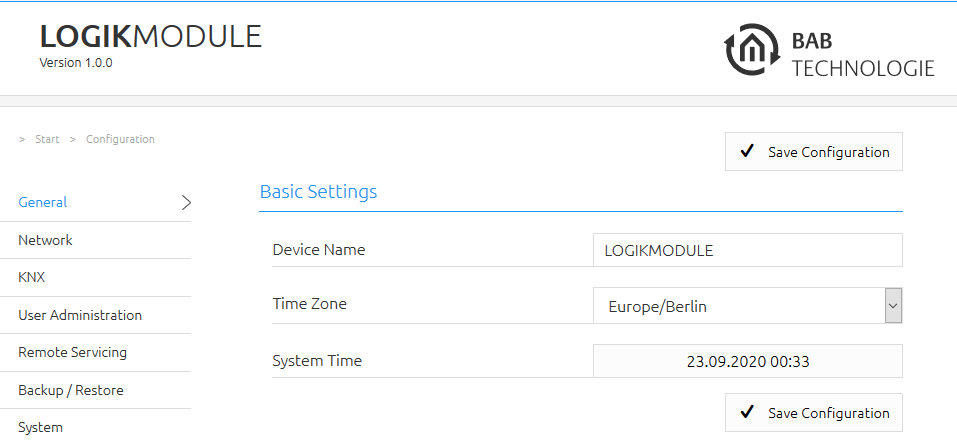
Device name
Here, you can assign an individual device name for your LOGIKMODULE. This name is then displayed in the “Discovery Tool” and BAB STARTER.
Location
Edit the installation site so that the correct time zone can be set.
System time
The current system time of the device is shown. Clicking the button synchronises the system time of the device with that of the local PC. To synchronise the system time automatically, please use the NTP service. See “Network”.
Note: The system time must be correct for the software to run properly. Please make sure that the system time is always correct. If synchronisation with NTP is not possible, correct the system time manually.
///