
Getting Started
The LOGIKEDITOR is the web-based application for creating and executing logic functions and automation tasks on the LOGIKMODULE.
The LOGIKEDITOR is configured using a supported web browser.
Starting the LOGIKEDITOR
First, open the web interface of the LOGIKMODULE.
You can access the device via the BAB STARTER or open the IP address of the LOGIKMODULE directly in a supported web browser.
Then log in using the user credentials configured on the device.
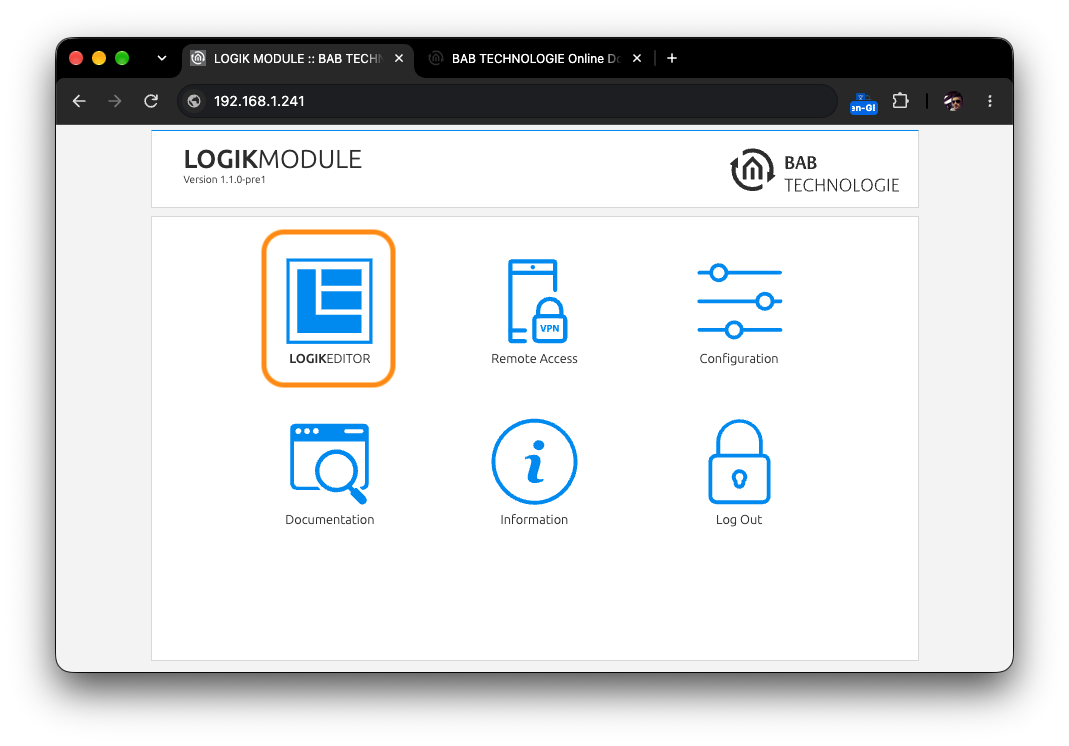
On the LOGIKMODULE start page, select the LOGIKEDITOR.
Note
For information on initial commissioning, network configuration, user login, and user management, refer to the corresponding chapters of this product manual.
Further LOGIKEDITOR Documentation
Operation and configuration of the LOGIKEDITOR are described in separate online documentation.
The documentation includes information on:
-
logic groups and working copies
-
data points
-
KNX data points
-
REST data points
-
Modbus TCP data points
-
MQTT data points
-
logic elements
-
tools
-
internal links
-
simulation and activation
-
settings and keyboard shortcuts
Note
For configuration and operation of the LOGIKEDITOR, use the current LOGIKEDITOR Online Documentation.
Product-specific differences and firmware dependencies are identified accordingly in the documentation.
Go to the LOGIKEDITOR Documentation
https://dok.bab-technologie.com/lede
///