
All device-specific settings of the LOGIKMODULE are configured via the web interface.
These include, among other things, network and system settings, KNX configuration, as well as additional device-specific functions and interfaces.
The available configuration options may vary depending on the device variant used and the installed firmware version.
After logging in to the web interface, the Configuration section is available from the LOGIKMODULE start page.
The following sections describe the individual configuration areas of the LOGIKMODULE and their functions.
Contents
Saving the configuration
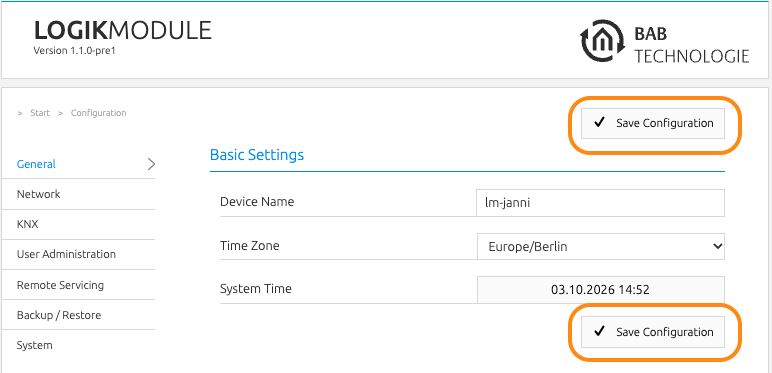
The Save Configuration button is available both at the beginning and at the end of the configuration section.
Click either button to apply the changes to the LOGIKMODULE.
///