
Under System > Data Points > MQTT, you can manage the configured MQTT connections and the associated MQTT data points.
Changes are applied to the working copy only after clicking Save.
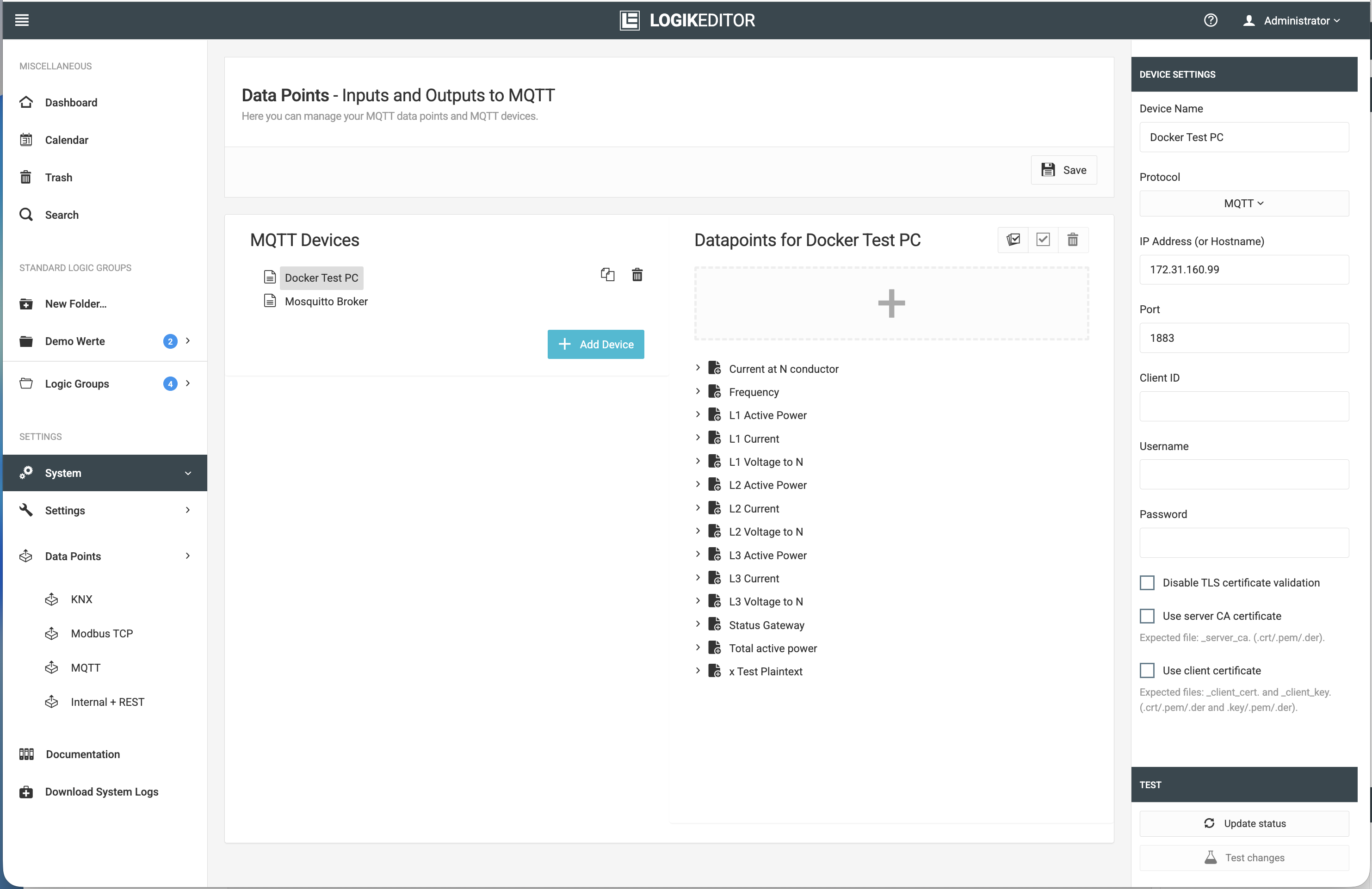
Global MQTT Settings
In the left-hand view, MQTT Connections, all configured connections to MQTT brokers are managed.
In the right-hand view, Data Points for [Connection Name], the MQTT data points of the currently selected connection are displayed and can be edited.
Clicking an MQTT connection or an MQTT data point displays the corresponding settings in the far-right column:
-
for an MQTT connection, the connection and broker settings,
-
for an MQTT data point, the topic and communication parameters.
This allows connection parameters and data point configurations to be managed separately.
///