
Elements “MQTT Value Input” and “MQTT Value Output”
In addition to the Value Input and Value Output elements for KNX data points, the LOGIKEDITOR provides dedicated logic elements for MQTT data points.
The MQTT Value Input and MQTT Value Output elements serve as interfaces to the configured MQTT data points within logic groups.
MQTT data points are used within logic groups in a similar way to KNX data points and enable values to be exchanged between an MQTT broker and the logic.
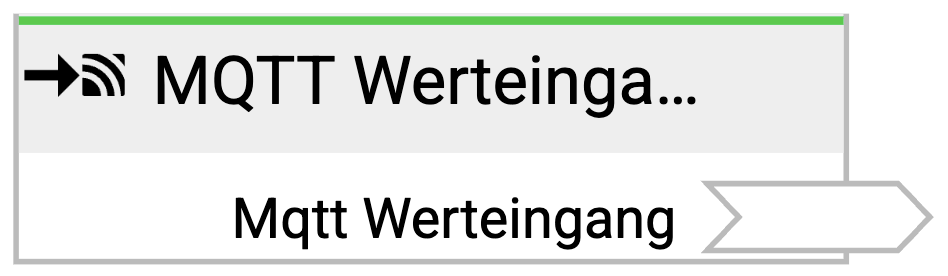
LOGIKEDITOR Element “MQTT Value Input”
The MQTT Value Input is used to receive values from an MQTT connection.
As soon as an MQTT message is received on the configured topic, the associated MQTT data point is updated. The received value is then available within the logic group for further processing.
LOGIKEDITOR Element “MQTT Value Output”
The MQTT Value Output is used to send values from a logic group via an MQTT connection.
When the logic value applied to the value output changes, it is published as an MQTT message to the configured topic via the assigned MQTT data point.

Linking an MQTT Element in a Logic Group
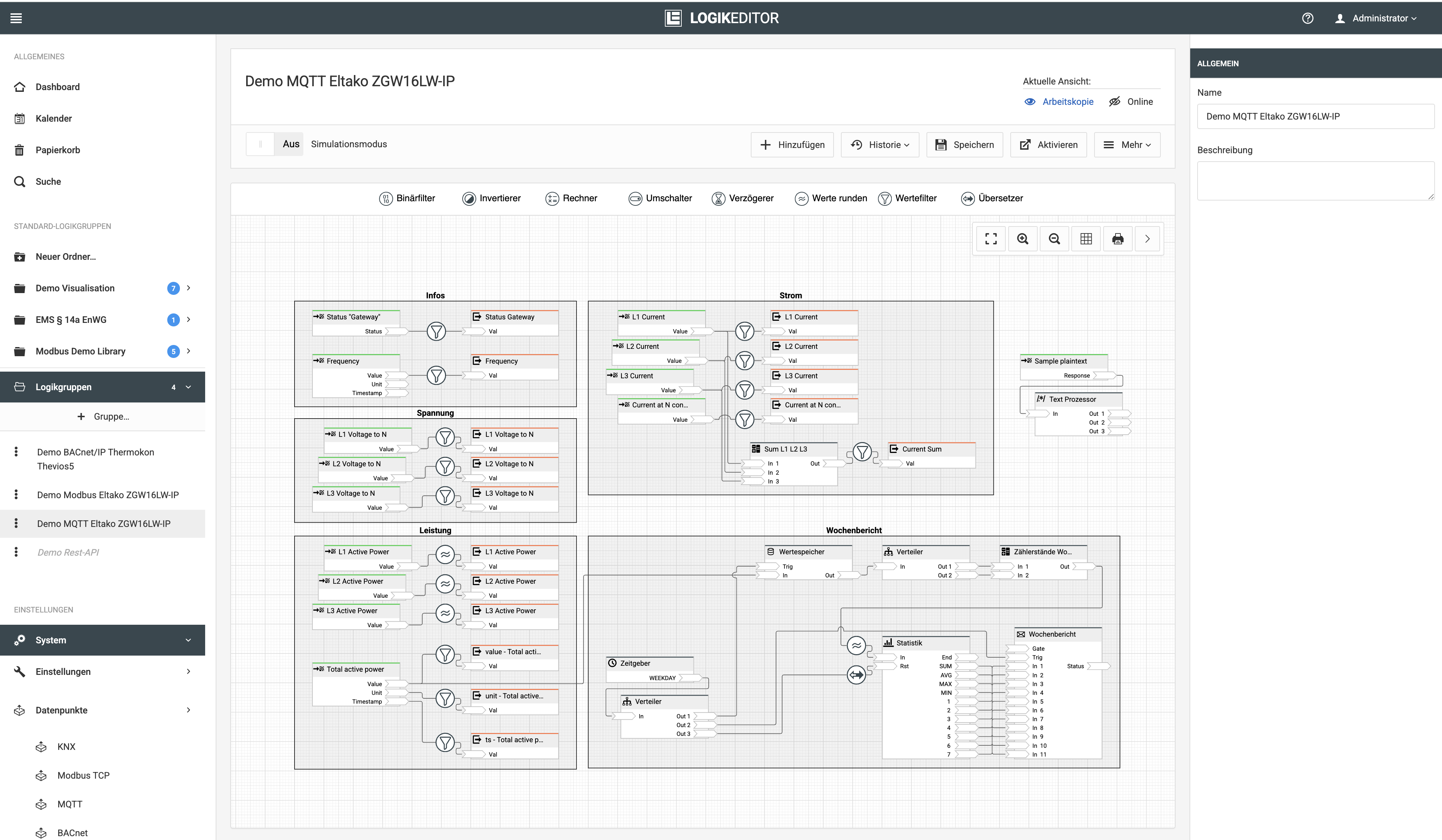
The MQTT Value Input and MQTT Value Output elements are added and configured like other inputs and outputs within a logic group.
The assignment is performed in two steps:
-
Under MQTT CONNECTION, select the required MQTT connection.
-
Under DATA POINT, select the required MQTT data point assigned to that connection.
This defines which MQTT topic is received by the logic or which MQTT topic a value is published to.
If only one data point is assigned to an MQTT connection, it is selected automatically.
The values and data types defined in the MQTT data point determine the inputs or outputs of the logic element within the logic group.
Note
If an MQTT data point contains multiple configured values, the corresponding logic element provides a separate input or output for each value.
///