
The following describes how to set up and manage the HOOC Compact APP.
The HOOC Compact APP is currently available for the operating systems iOS from version 13.1 and Android from version 7. The downloads will take you directly to the respective APPs.
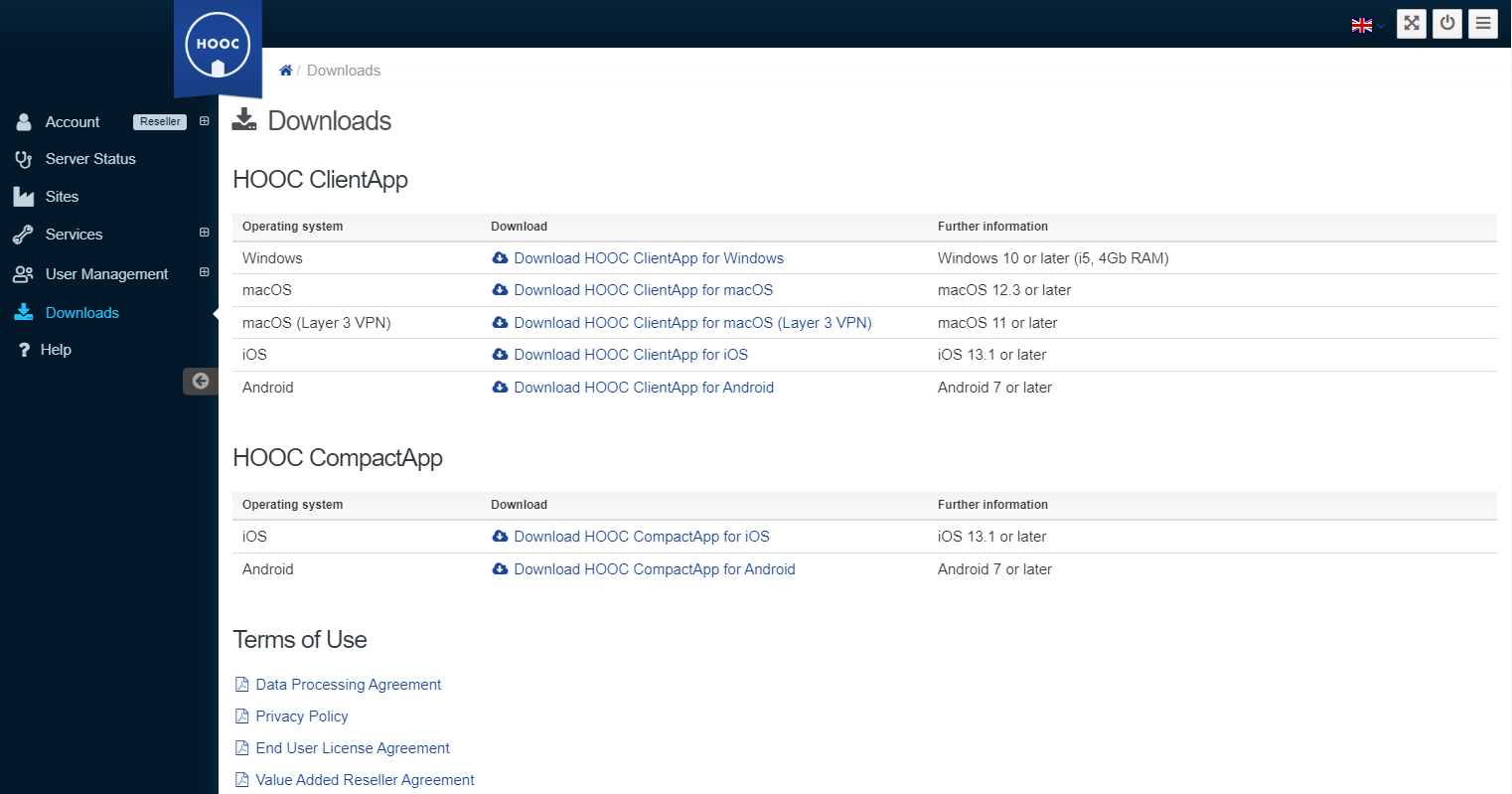
As the HOOC Compact APP is only intended for use with one system, the respective system must be selected first.
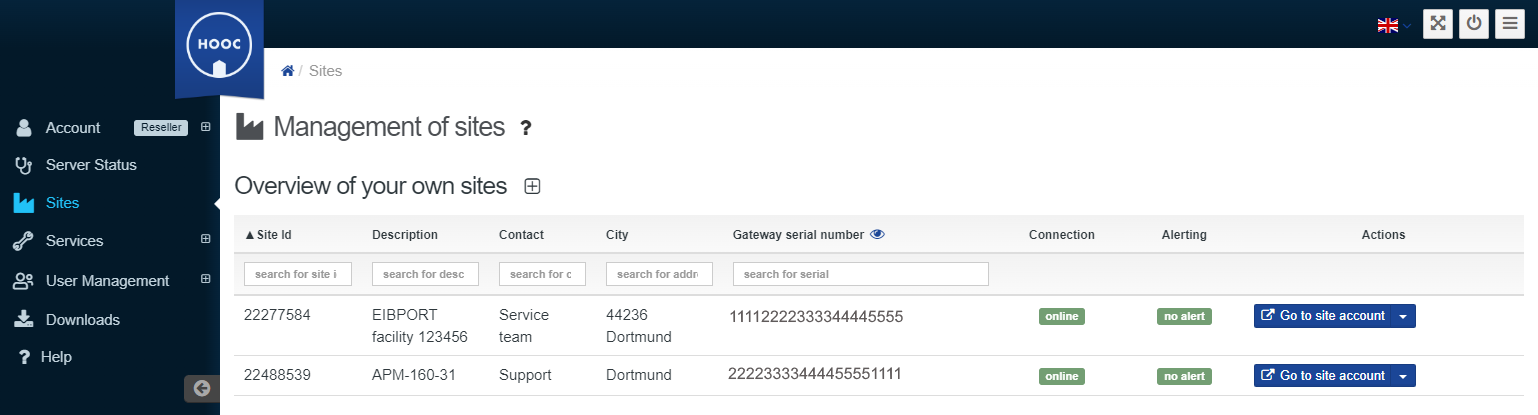
Use the "Go to site account" menu item to access the desired system.
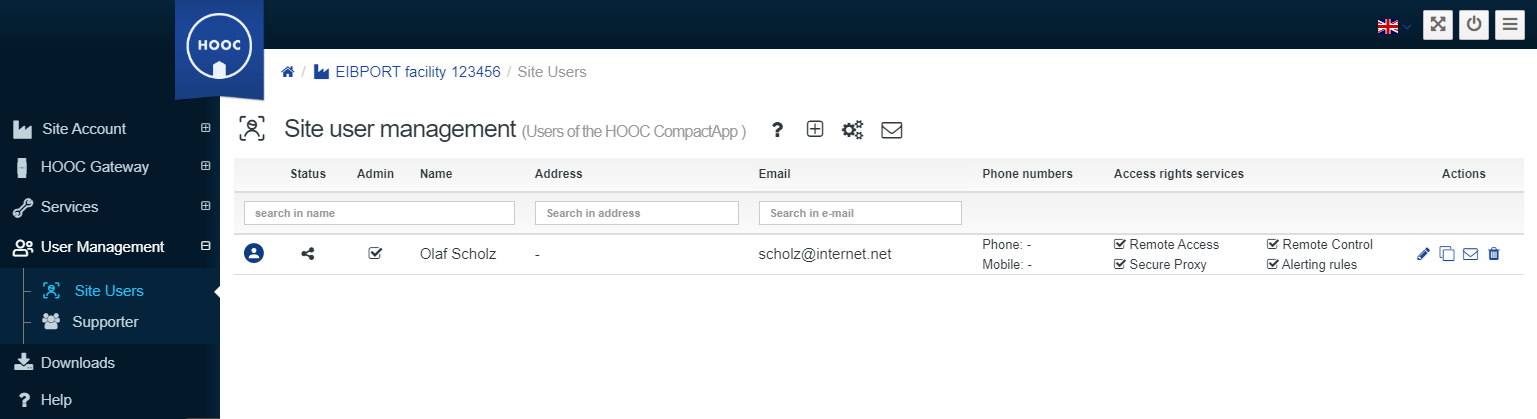
Then go to the User Management for the system you have just selected.
Use the widgets on the overview page or the menu to switch to the Site Users.
In the administration for the Site Users, you will find users already created for the HOOC Compact APP. Assigned access authorisations and activated services for the respective users are displayed. You can 

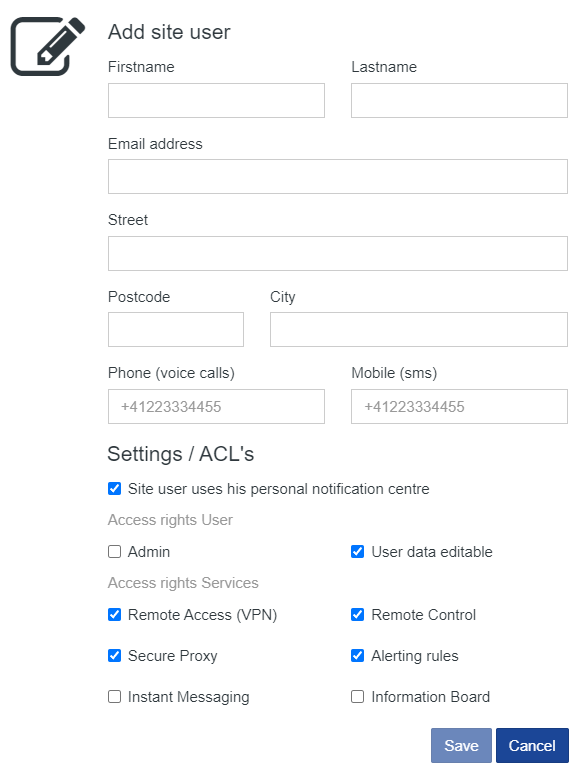
Fill in the contact details for the Site Users. The QR code can then be sent as an invitation using these contact details, e.g. e-mail address.
Assign appropriate access authorizations and save your configuration.
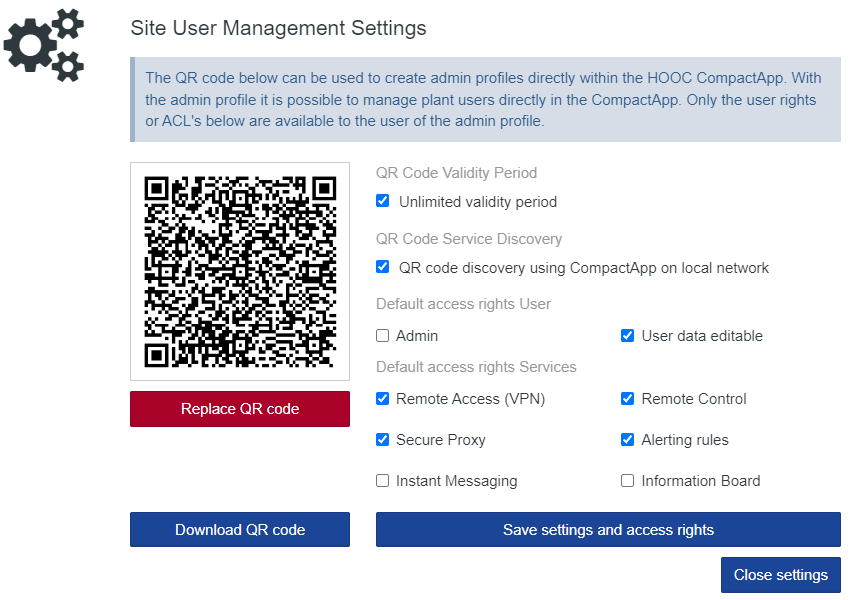
The settings for system user management are made via the icon 
Once the settings have been customised, save them. The QR code can now be sent with an e-mail invitation via the icon 

The HOOC Compact APP is installed on the end customer's mobile device.
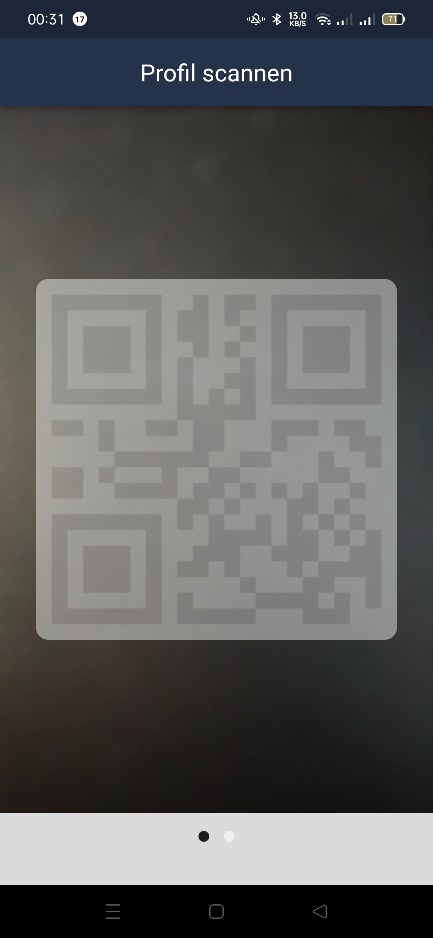
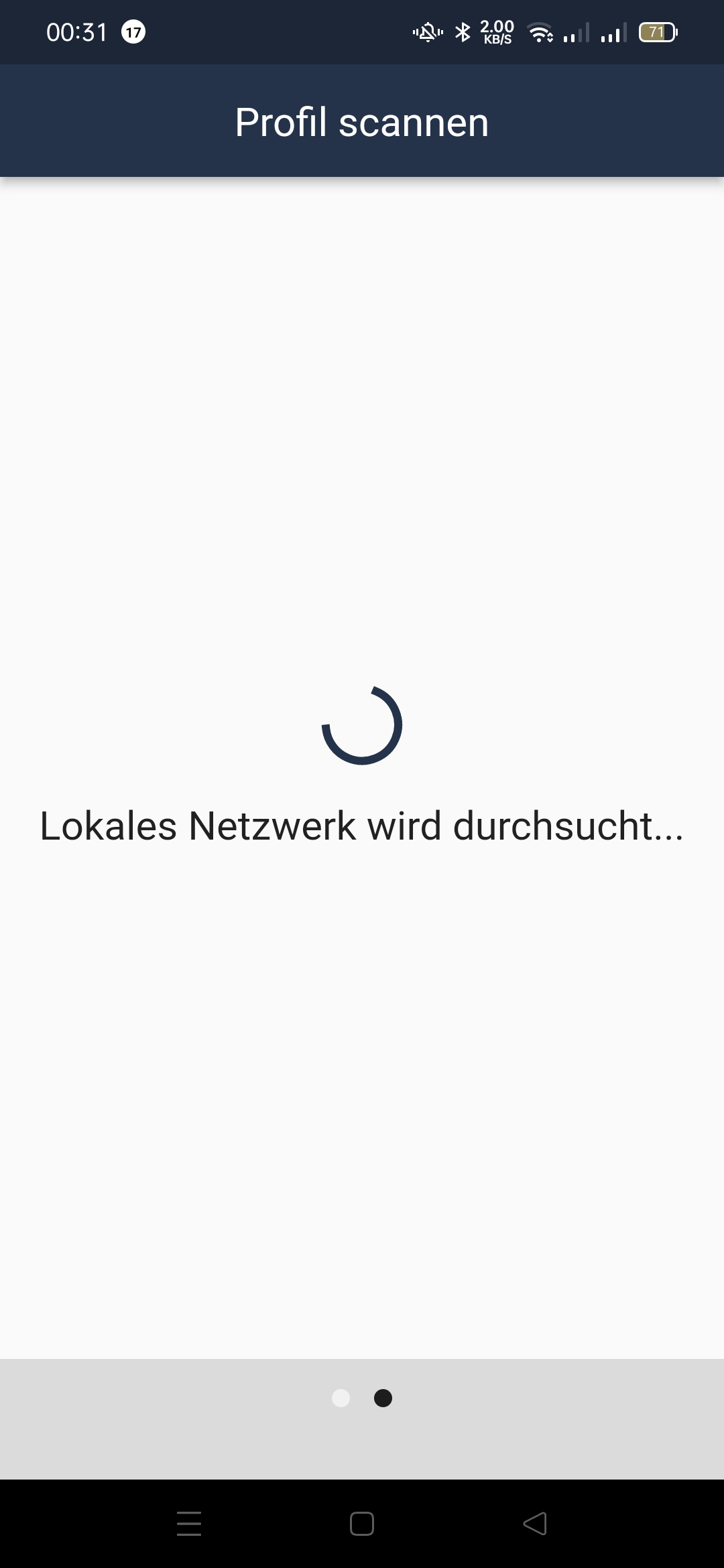
The QR code can then be scanned with the HOOC Compact APP or a search can be carried out in the local network.
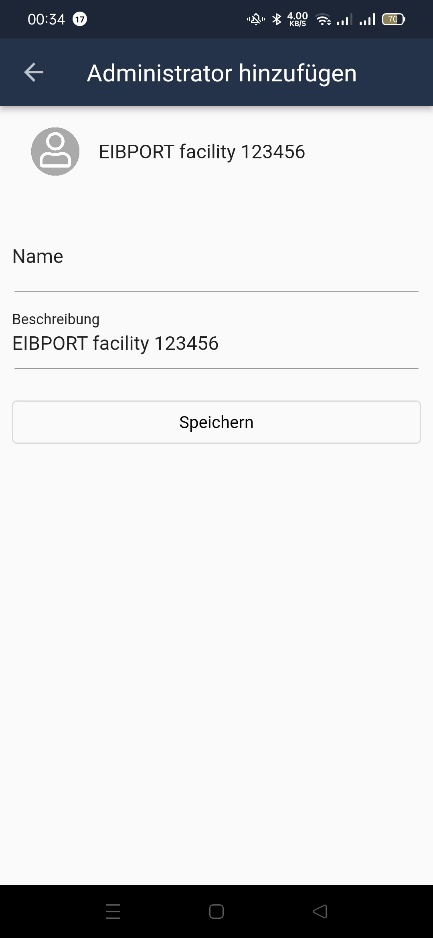
The accepted profile can still be edited.
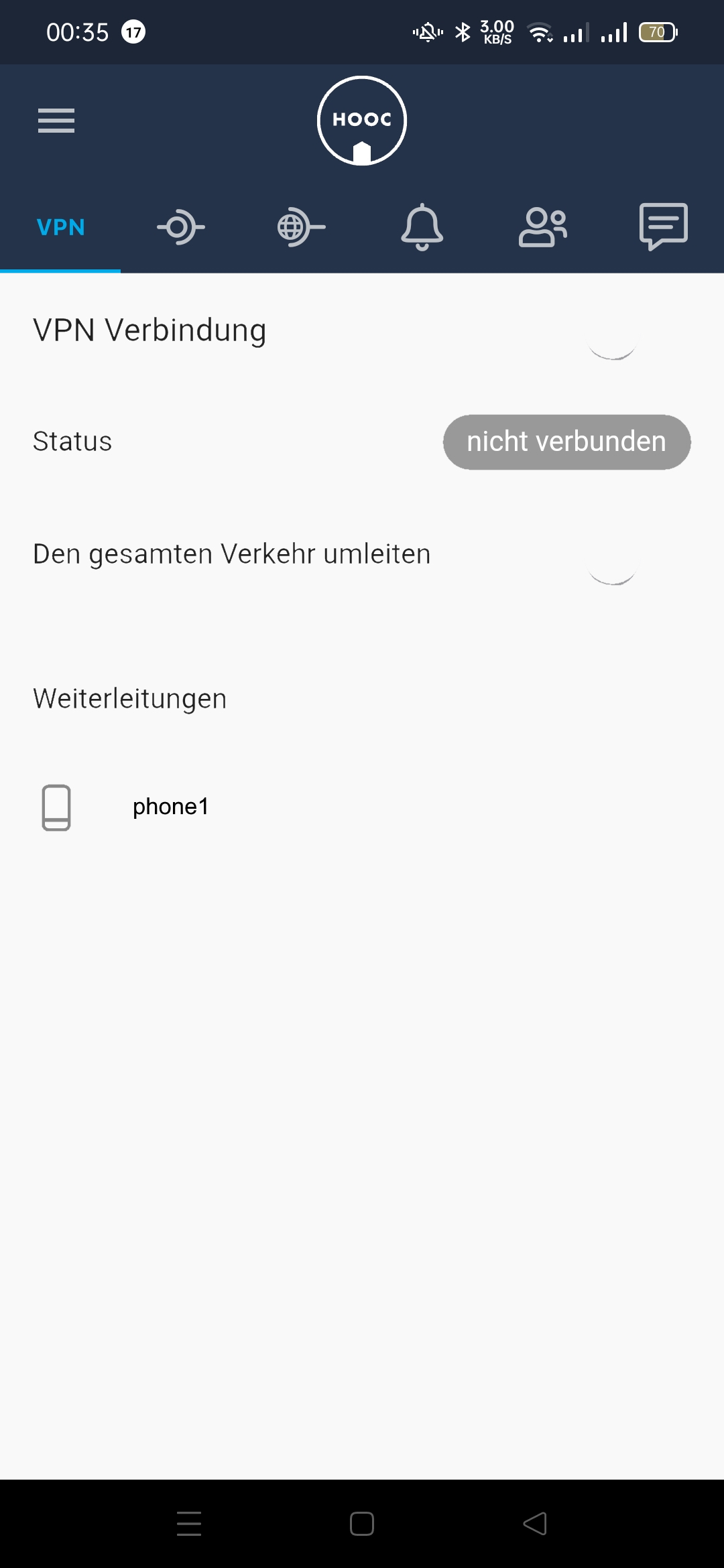
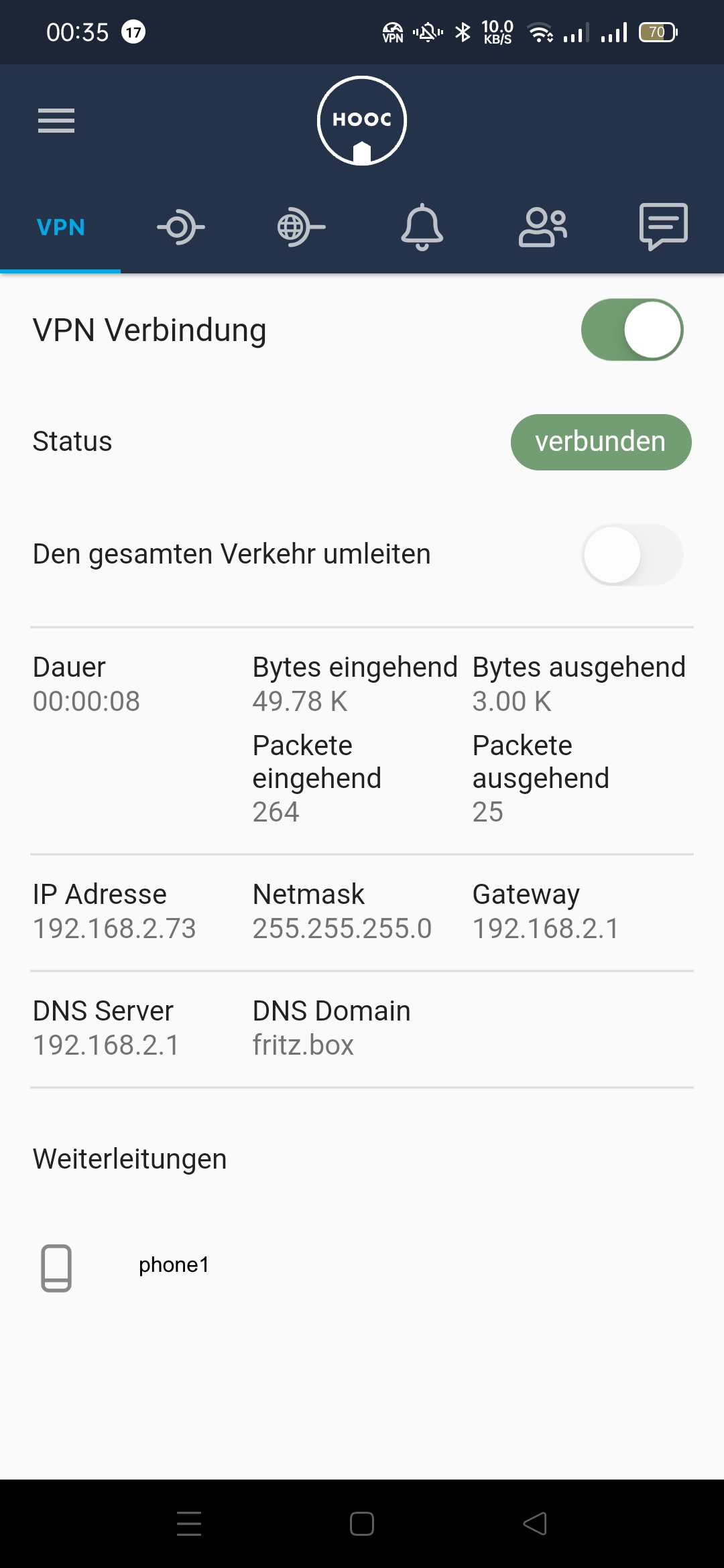
You can also specify here whether only the connection to the system uses the VPN or all data traffic on your mobile device.
You now have an overview of the current connection status.
Further information on using this app can be found on the HOOC AG website, where you will also be informed about changes and updates.
|
|
|
|