
To protect CONTROL S the application provides the user a menu "Security Settings" within the visualization editor (See chapter "Password protection for visualisation"). The parameterization of the user login can be done there across all three types of visualization.
Each user can then individually create there, access is controlled to CONTROL S. This is in the "User Details" check box "Home Information Centre." If the flag is set, can be accessed through the respective user data in the Home Information Centre visualization. All other settings return to the "Security Settings", refer to the corresponding chapter in "visualization editor."
Automatic Login
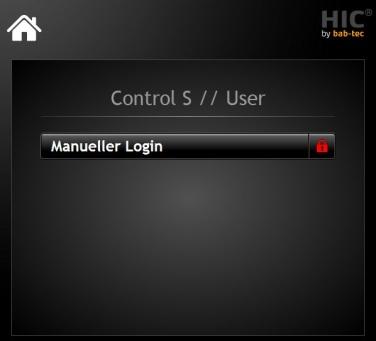
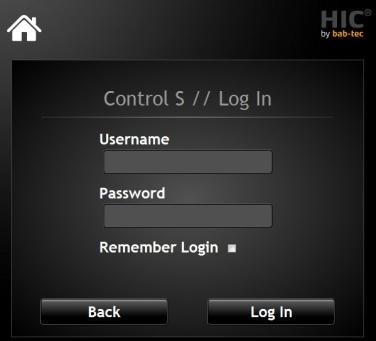
To use an automatic log of the HIC visualization you have the ability to activate at logon check box for "Remember Me". Thus, the credentials are stored locally on the device and not tried. To unsubscribe from the visualization but the HIC logo is used in the visualization interface. When clicked it will return to the login screen and you can adjust the setting to "Remember Me" again.