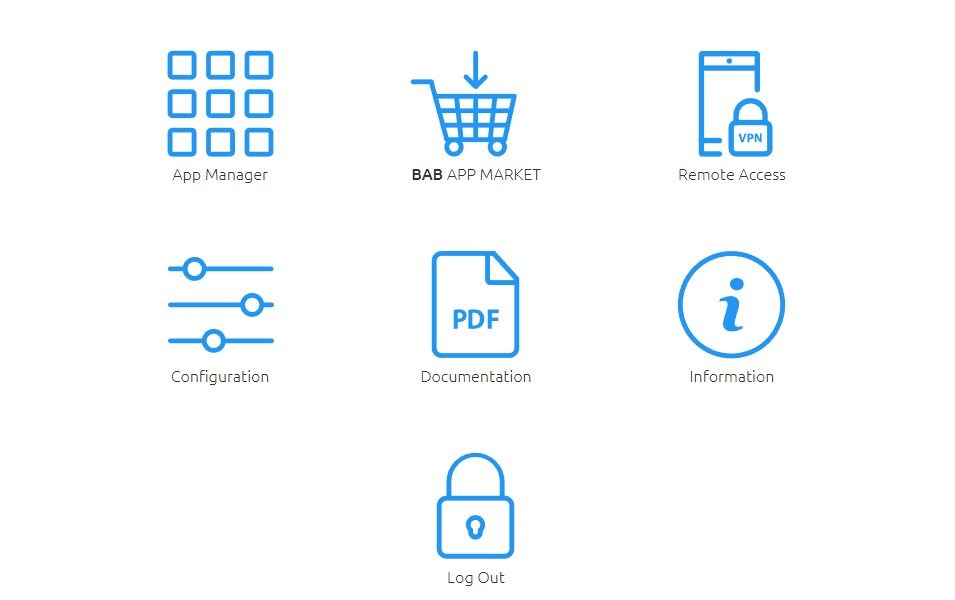
In the menu item "Remote Access" there is the function from firmware version 1.7.0 to use the APPMODULE as a HOOC gateway in order to establish a secure VPN connection to your building control.
The integrated VPN solution eliminates the need to purchase and install costly additional hardware. The HOOC CONNECT E Gateway in the APPMODULE connects to the HOOC Cloud via an encrypted and secured VPN connection. It forms the heart of the HOOC VPN solution and offers a comprehensive user administration as well as many additional features such as a KNX bus monitor or alarm messages with push function.
Further instructions on setting up, configuring and using the Plug & Play VPN solution can be found in the separate online document: "HOOC Gateway Manager (EN)".
Open Hooc Gateway Manager
The HOOC Gateway Manager Configuration menu is located on the APPMODULE webinterface under the “Remote Access” menu.
-
Please call up the web interface of your APPMODULE:
http://<IP address APP MODULE>
-
Click on the menu item “Remote Access”, here highlighted red.