
Contents
LOGIKMODULE KNX
Commissioning the LOGIKMODULE KNX
No dedicated ETS application is available for the LOGIKMODULE KNX (Art. No. 10575).
All KNX-related settings are configured directly via the LOGIKMODULE web interface.
Note
Use a suitable dummy application in the ETS project to document the physical address used by the LOGIKMODULE.
Proceed as follows for commissioning:
-
Open the LOGIKMODULE web interface and log in.
-
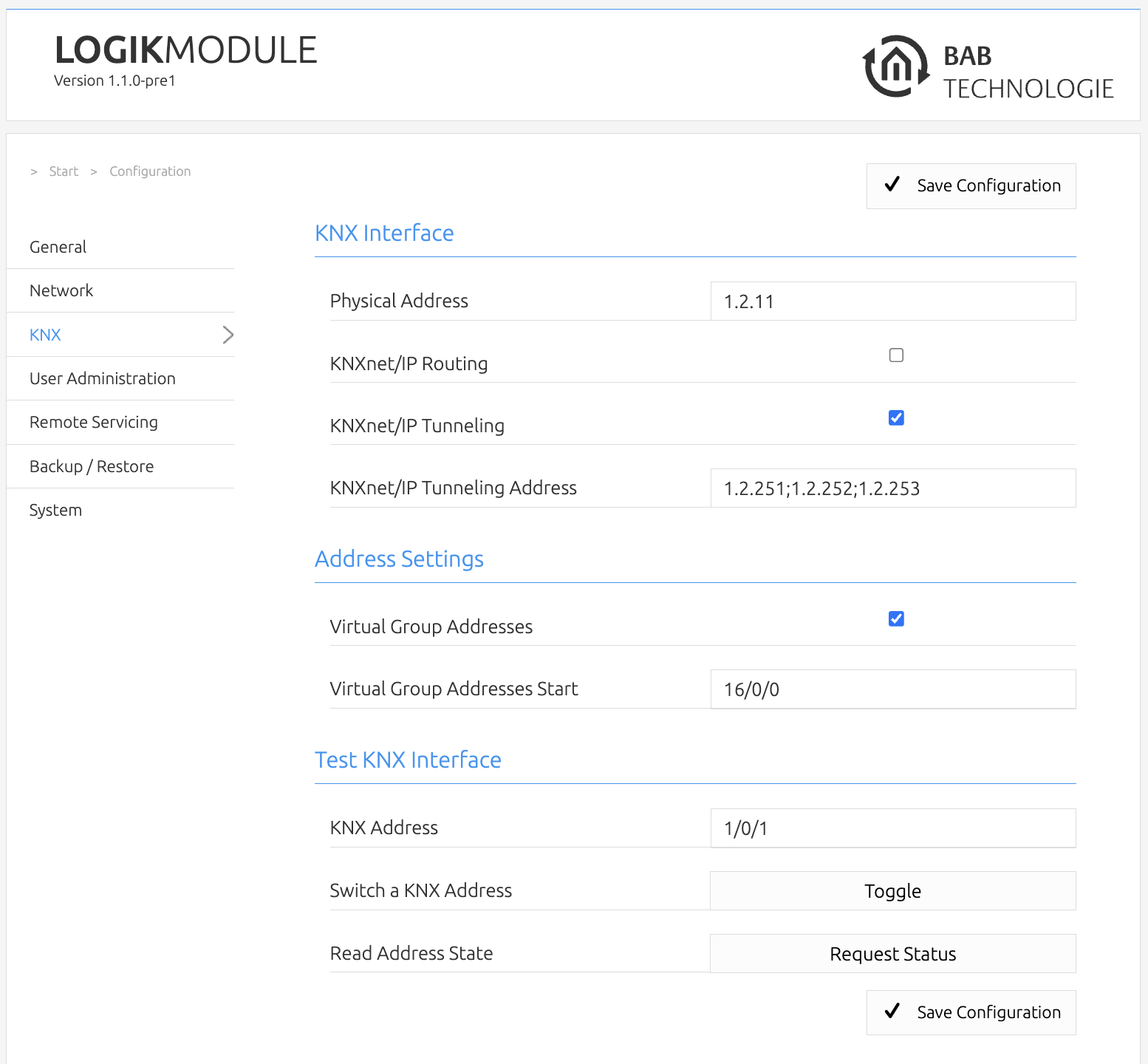
Go to Configuration > KNX.
-
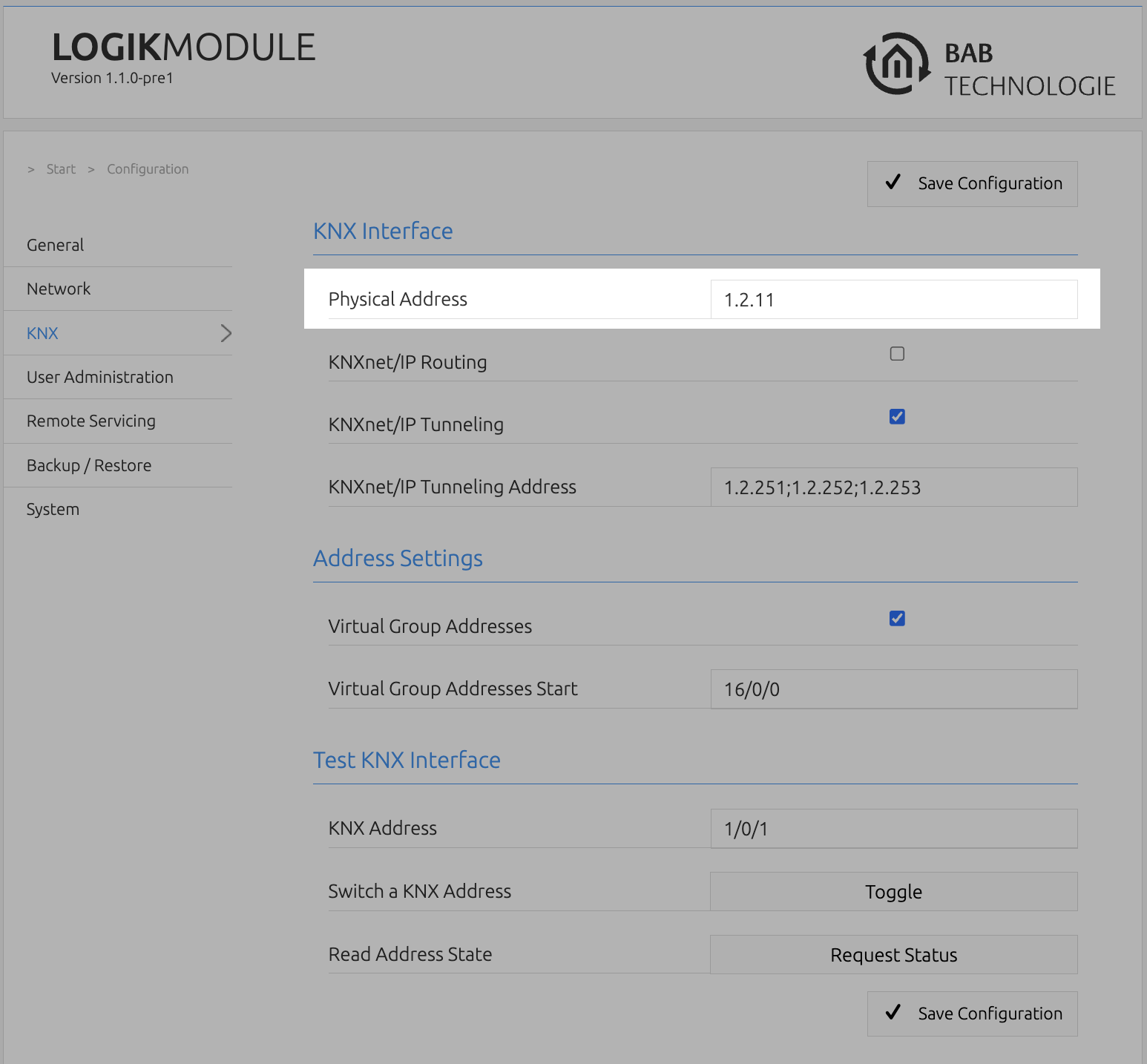
Enter the required KNX address under Physical Address.
Note
When assigning the physical address, observe the rules and topology of the existing KNX installation.
The physical address must be unique within the KNX line.
-
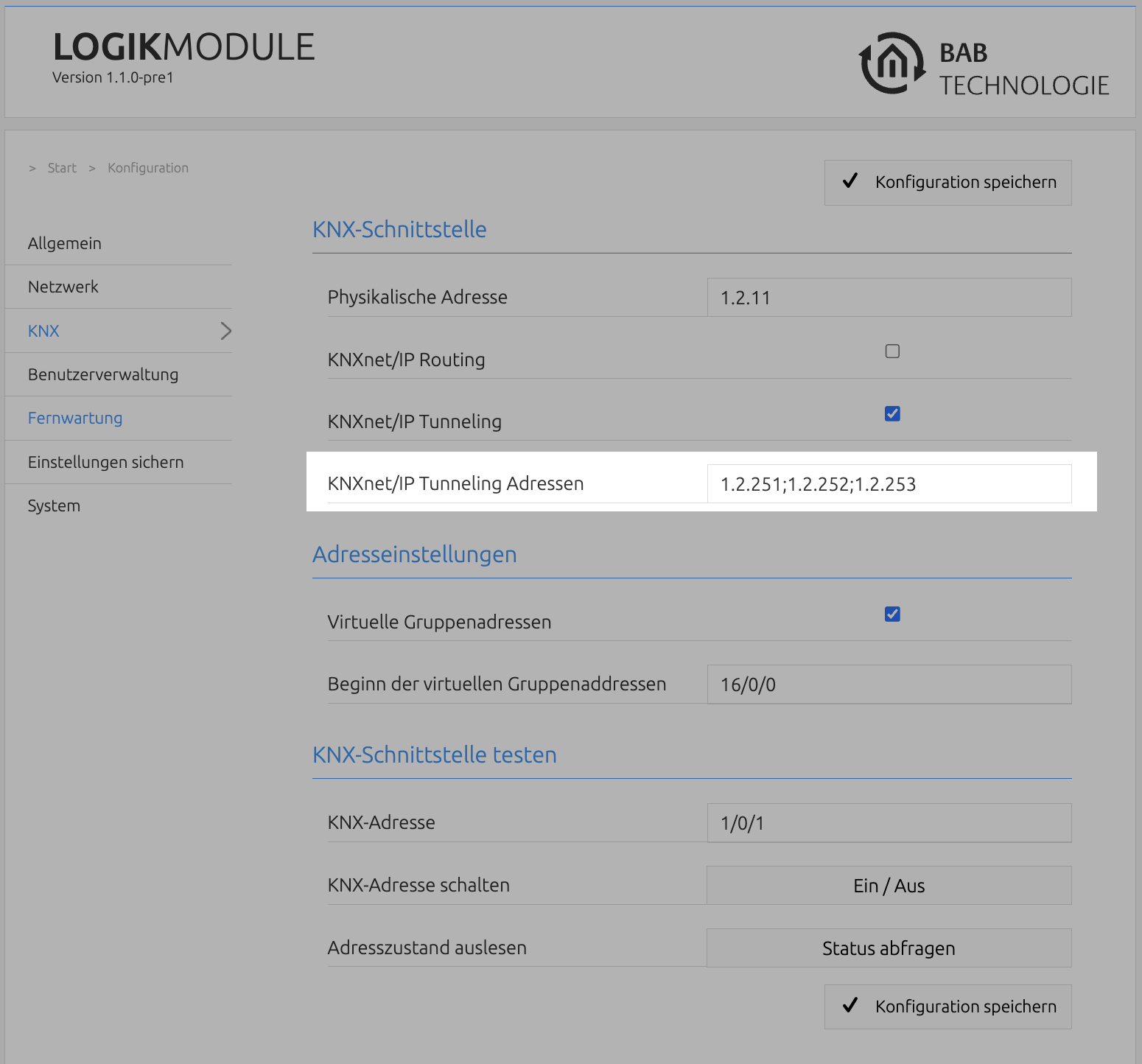
Configure the required KNXnet/IP Tunneling Addresses.
To use the LOGIKMODULE as a KNXnet/IP interface for ETS, free physical addresses must be provided for the tunneling connections.
Note
The tunneling addresses are used for KNXnet/IP tunneling connections, for example when the LOGIKMODULE is used as an interface for ETS.
The addresses used must not already be assigned to other KNX participants in the line.
-
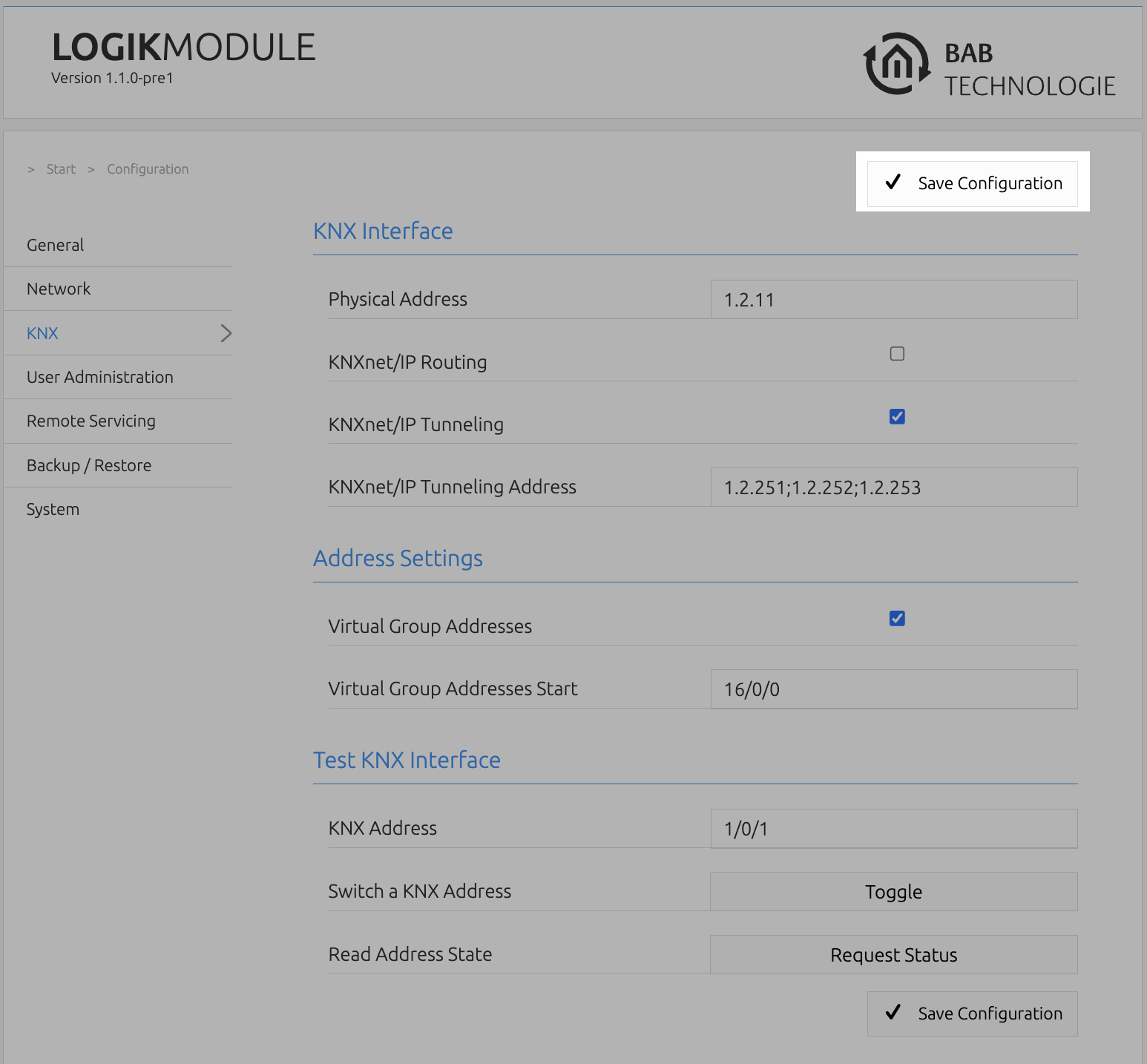
Click Save Configuration to apply the settings.
KNX Configuration
The KNX-specific settings of the LOGIKMODULE are configured under Configuration > KNX.
The available options depend on the device variant and the selected KNX interface.
Physical Address
Under Physical Address, define the address used by the LOGIKMODULE for communication within the KNX installation.
The address should be assigned according to the KNX topology and the installation location of the device.
Warning
A physical address may only be assigned once within a KNX line.
Before configuration, check whether the required address is already used by another KNX participant.
///