
Contents
LOGIKMODULE IP
Communication via KNXnet/IP
The LOGIKMODULE IP (Art. No. 10571) features an integrated KNXnet/IP server.
The connection to the KNX installation is established via the IP network. For this purpose, KNXnet/IP Routing can be used in combination with a separate KNXnet/IP router.
The LOGIKMODULE IP does not provide a direct KNX/TP connection.
Configuring KNXnet/IP
Proceed as follows:
-
Open the web interface of the LOGIKMODULE.
-
Go to Configuration > KNX.
-
Under Select Interface, choose KNXnet/IP.
The settings for the KNXnet/IP interface are then displayed.
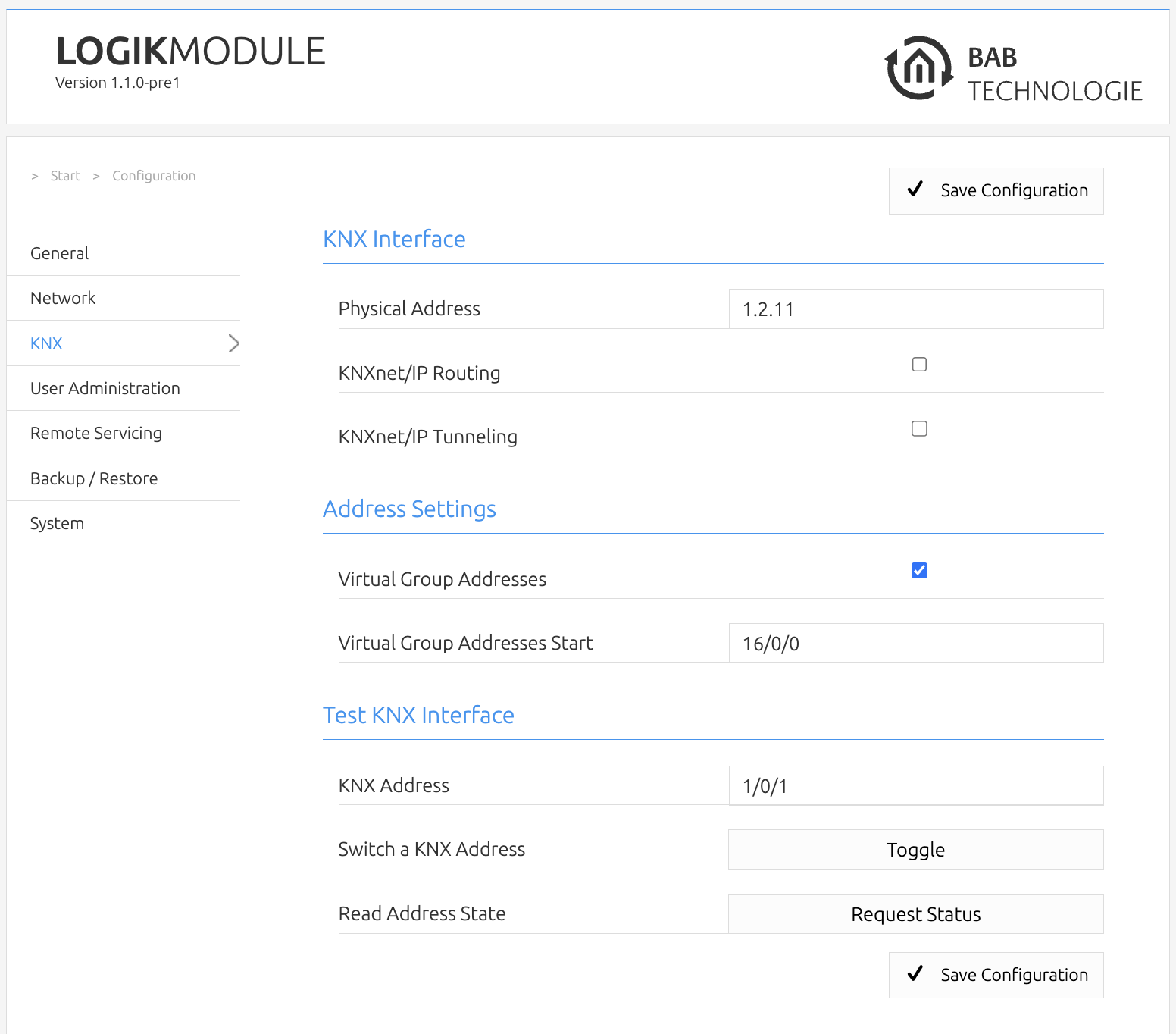
Depending on the configuration, the following functions are available for KNX communication:
-
KNXnet/IP Routing
-
KNXnet/IP Tunneling
-
Tunneling addresses
-
Routing and filter rules
The individual functions are described in the following sections.
///