
Once the LOGIKMODULE has been installed and started as described in the chapter Installation, commissioning can be continued as follows.
Factory settings at delivery:
|
Parameter |
Value |
|---|---|
|
IP Address |
192.168.1.241 |
|
Subnet Mask |
255.255.255.0 |
|
Username |
admin |
|
Password |
admin |
|
Device Name |
LOGIKMODULE |
Note
The password must be changed immediately when logging in for the first time.
If the password is lost, the device cannot be reset.
Language
The language used for the LOGIKMODULE web interface depends on the language configured in the browser.
The LOGIKMODULE currently supports German and English.
If the browser is configured to use a language other than German or English, the LOGIKMODULE interface is displayed in English.
System Requirements
|
Requirement |
Specification |
|---|---|
|
Operating System |
Platform-independent |
|
Configuration |
Current browser (Chrome, Safari, Firefox, Edge) |
|
CUBEVISION |
Software: Current WebKit / browser (Chrome, Safari, Firefox, Microsoft Edge) Hardware: High-performance hardware with 3D hardware acceleration |
Establishing a Connection
A current web browser and a network connection to the device are required to configure the LOGIKMODULE and access the visualization.
If the device is still in its factory state, it can be reached using the default IP address specified above.
If your computer is located in a different IP address range, its network configuration may need to be adjusted.
For more information, refer to the chapter Adjusting the Network Settings of Your Computer.
Opening the LOGIKMODULE Web Interface
The LOGIKMODULE is configured via a web interface and can therefore be accessed using a supported web browser.
To open the web interface, proceed as follows:
-
Open a web browser.
-
Enter the IP address of the LOGIKMODULE in the browser address bar.
The factory default IP address is listed in the section Commissioning.
The LOGIKMODULE start page opens.
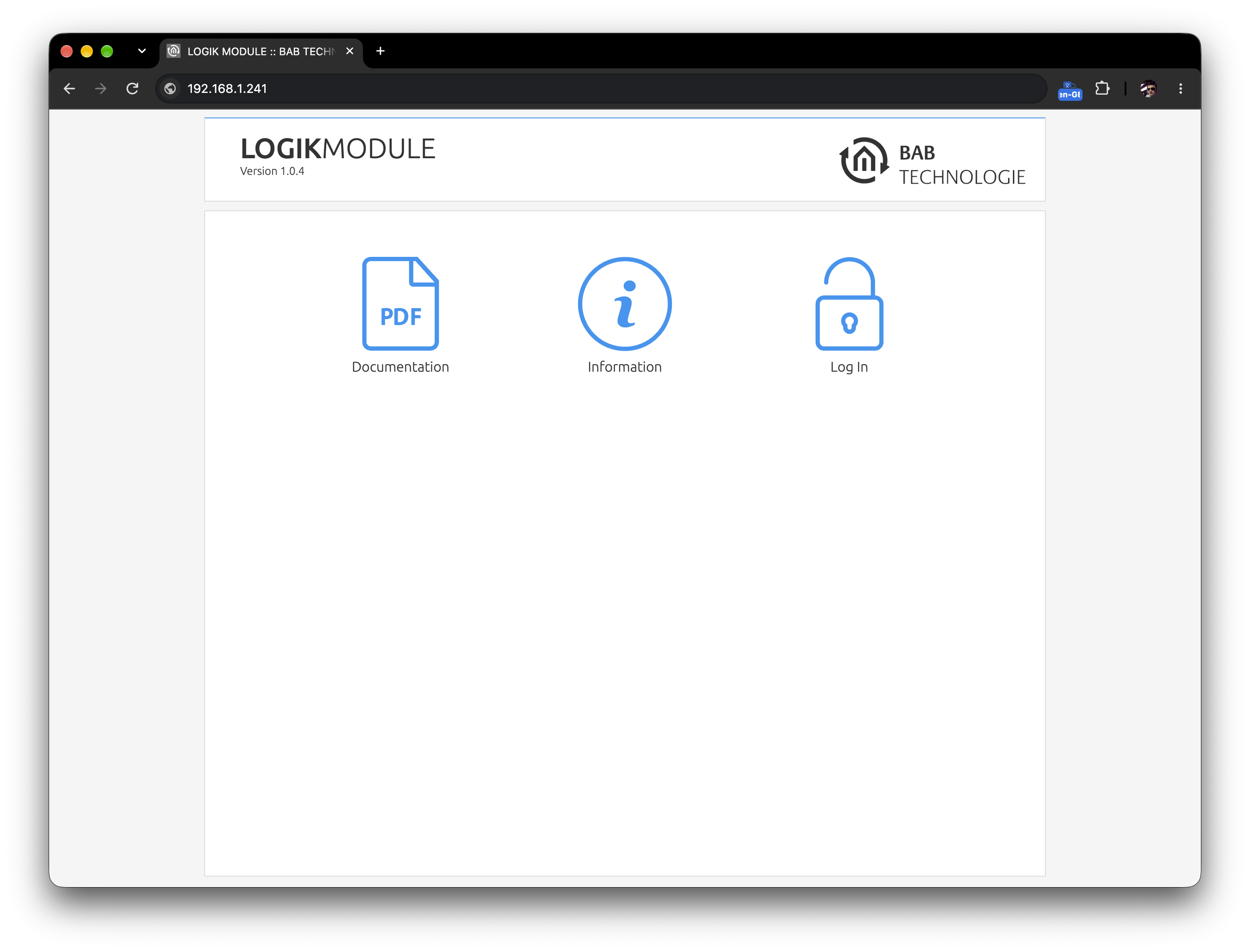
You will now see the LOGIKMODULE start page. Login provides access to the configuration, while Informationdisplays system information.
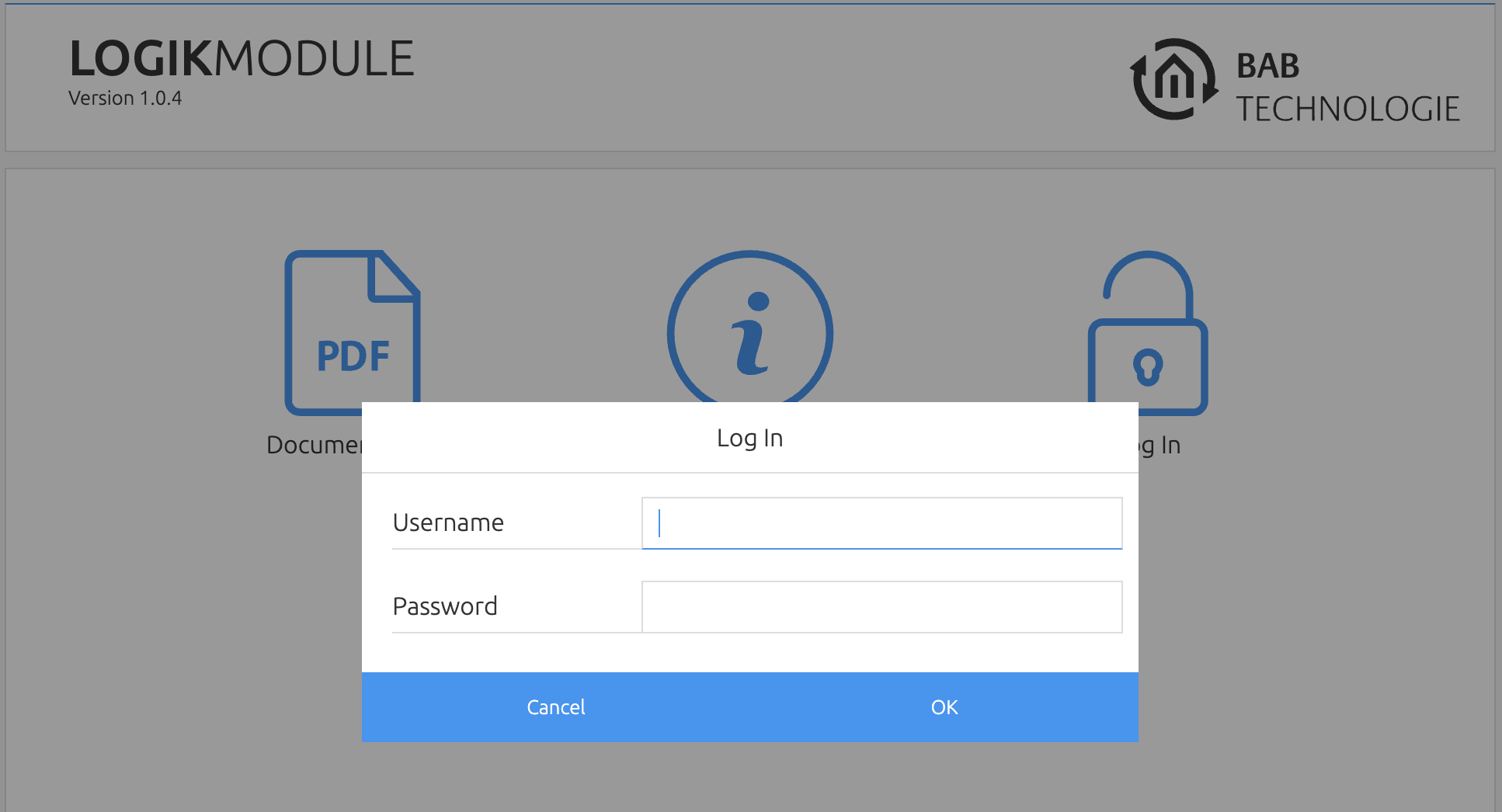
Click Login and sign in to the web interface using your user credentials. The factory default login details can be found in the Commissioning section.
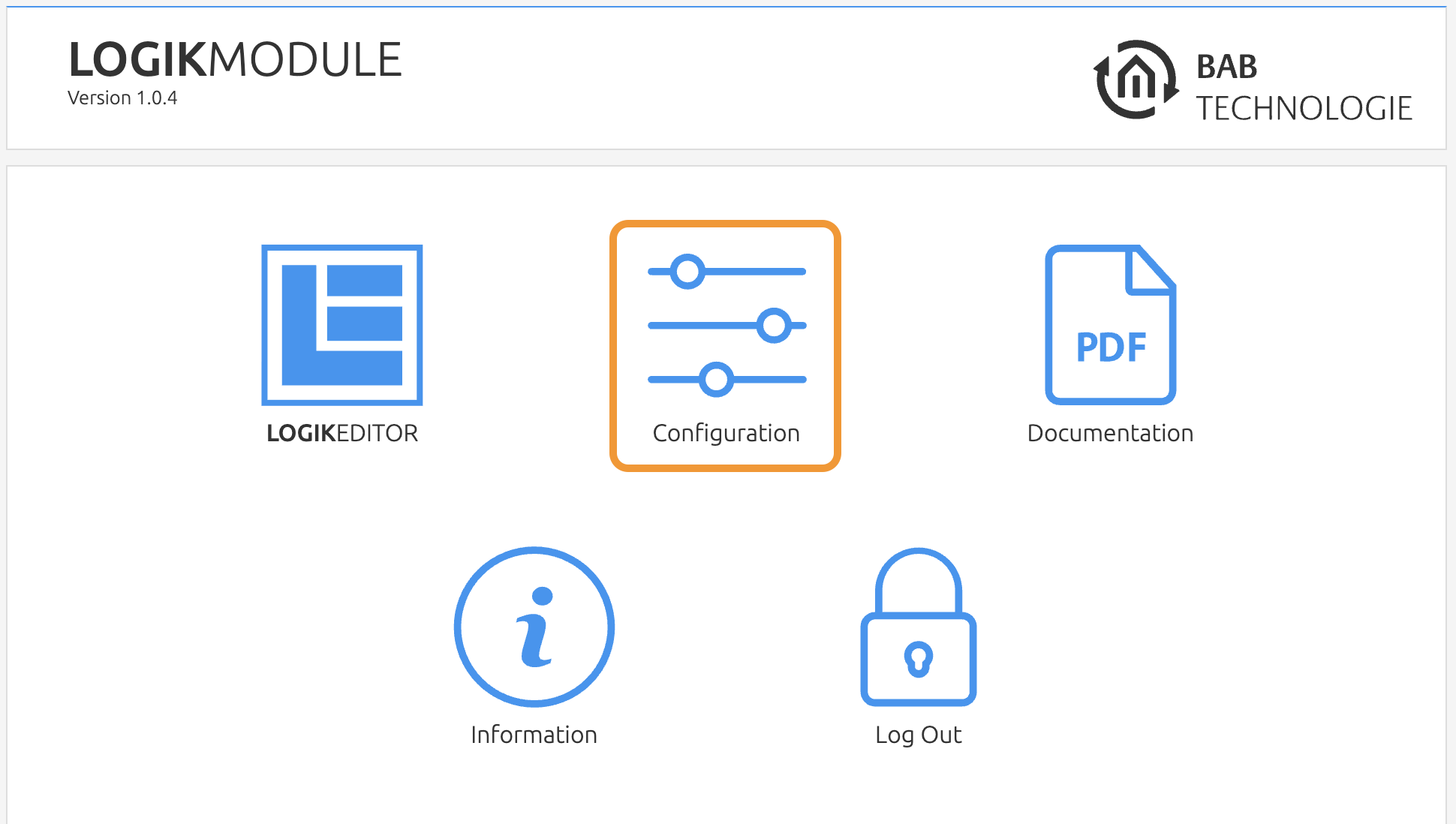
After logging in, the Configuration menu is also available.
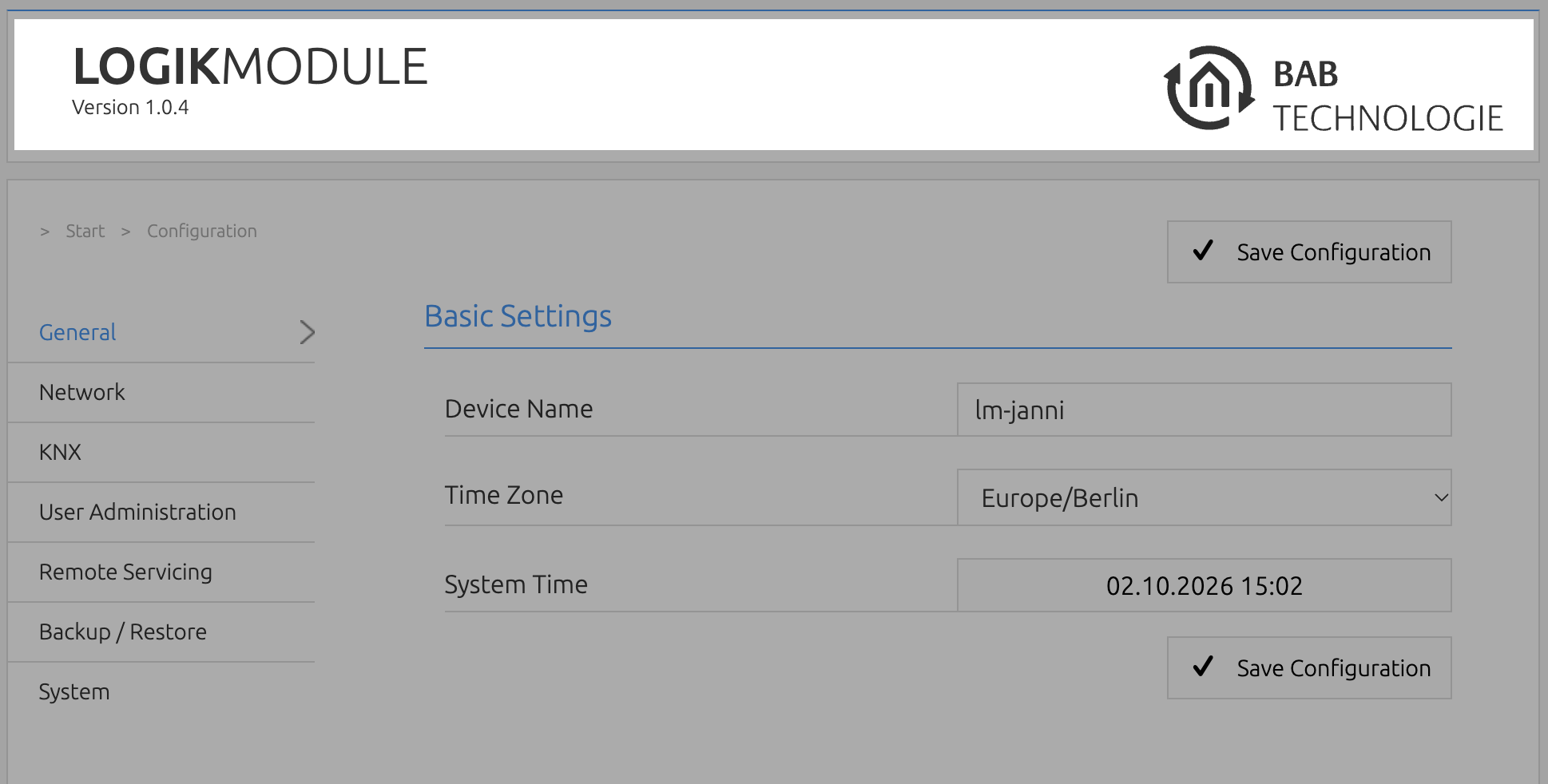
To return to the start page of the web interface, click the product name.
///