
Elements "Modbus TCP Value Input"
and "Modbus TCP Value Output"
In addition to the “Value Input” and “Value Output” elements for KNX data points, the LOGIC EDITOR provides separate elements for Modbus TCP.
These elements, “Modbus TCP Value Input” and “Modbus TCP Value Output”, act as interfaces within logic groups to the configured Modbus data points.
The created Modbus TCP data points are used within logic groups in a similar way to KNX data points and enable the exchange of values between Modbus devices and the KNX system.
LOGIKEDITOR ELEMENT "Modbus TCP value input"
The Modbus value input is used to read values from a Modbus device into the logic group. The selected Modbus data point is updated cyclically in accordance with the configured polling interval and is available within the logic for further processing.
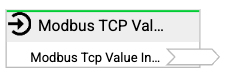
LOGIKEDITOR ELEMENT "Modbus TCP value output"
The Modbus value output is used to write values from the logic group to a Modbus device. The assigned Modbus data point is updated in accordance with the logic values and transmitted to the device.
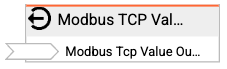
Link the Modbus TCP element in the logic group
Die Werte-Ein- und -Ausgänge werden wie alle anderen Ein- und Ausgänge innerhalb einer Logikgruppe hinzugefügt und konfiguriert.
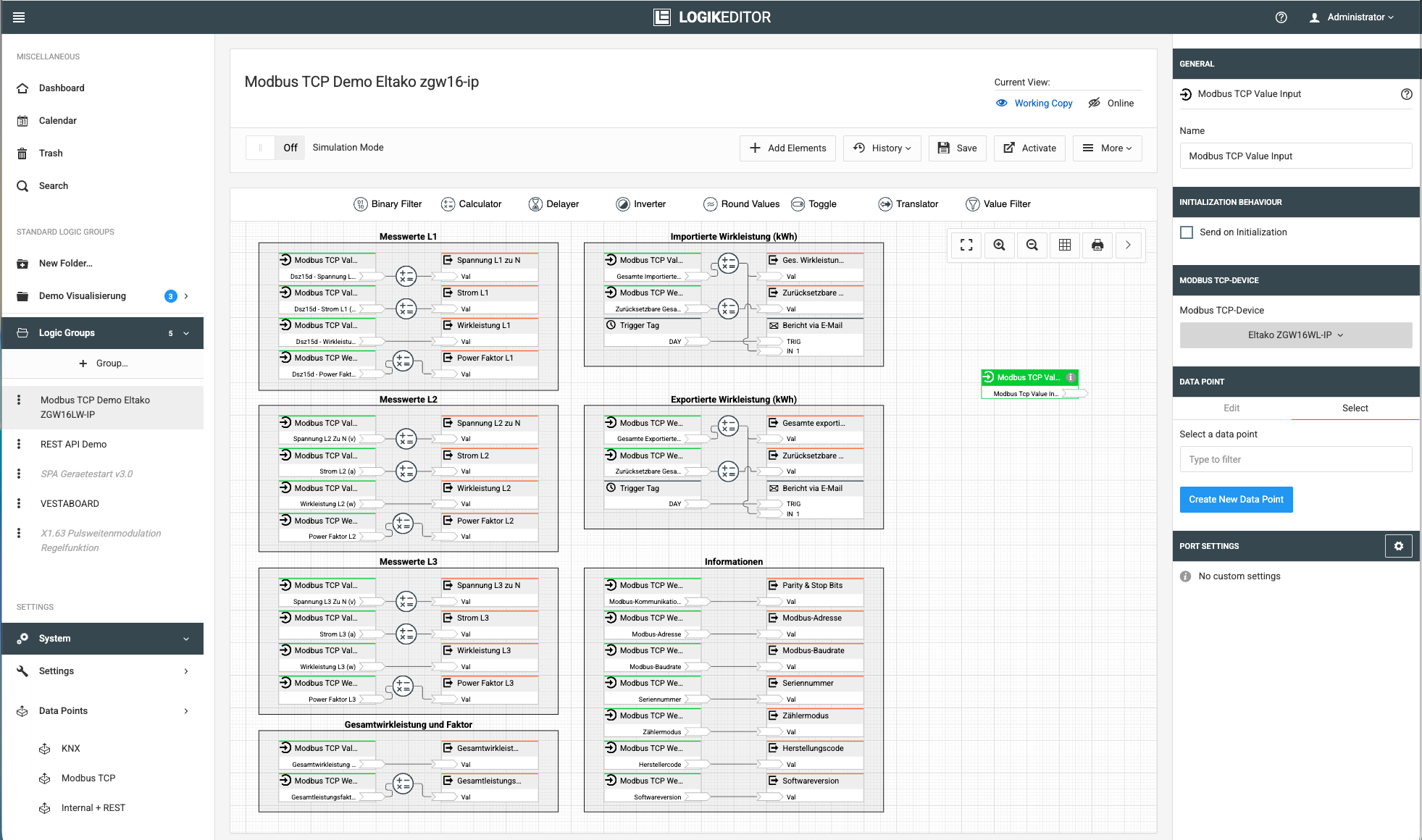
Für jeden Werte-Eingang bzw. Werte-Ausgang wählen Sie zunächst das gewünschte Modbus TCP-Gerät unter den Abschnitt “MODBUS TCP-GERÄT“ aus. Anschließend kann aus den diesem Gerät zugeordneten Einträgen der gewünschte Modbus-Datenpunkt, unter dem Abschnitt “DATENPUNKT“ ausgewählt werden.
Auf diese Weise wird festgelegt, welcher Modbus-Wert in die Logik eingelesen oder aus der Logik an das Modbus-Gerät übertragen wird (siehe nachfolgende Abbildung).
Only Modbus data points that are writable can be selected in the Modbus TCP value output. These include registers of the ‘Coil’ and ‘Holding Register’ types.
///