
Regularly check whether newer versions of both the DMX Configurator software and the device firmware are available.
Checking the Software Version
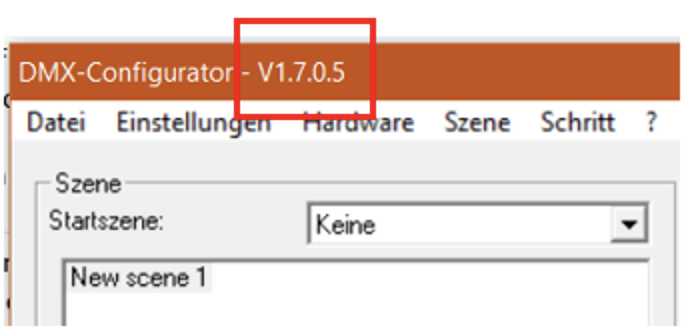
The version number of the DMX Configurator is displayed in the title bar of the application window.
Checking the Firmware Version
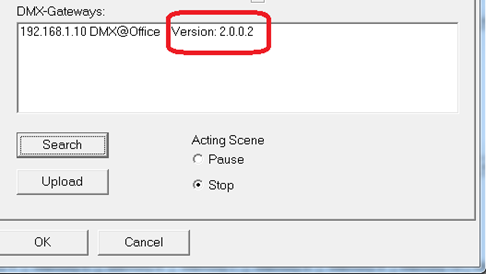
To check the firmware version installed on the device, use the "Search" function in the "Extensions" menu under the following tab:
-
LAN/KNX
For more information, refer to the chapter "Activating the DMX Preview Function".
The firmware version is displayed together with the IP address and the device name.
If the latest firmware version is not installed on your device, perform a firmware update (see chapter "Firmware Update").
Once a DUODMX GATEWAY has been updated to firmware version 2.0.0.1 or later, configuration data can only be transferred using DMX Configurator version 1.6.0.0 or later.
Older Project Files
Projects created with older versions of the DMX Configurator can be opened without any issues using the current software version.
If a DUODMX GATEWAY was originally commissioned using an older version of the DMX Configurator, the project must be uploaded again using the current DMX Configurator (version 1.6.0.0 or later).
///