
Only the users for accessing the visualisations are managed in the user administration. The assignment of the respective rights in the visualisation is assigned in the CUBEVISIONEDITOR when editing the visualisation. This user administration is thus central for all visualisations that are created in this device.
Similarly, this user administration is not related to the user administration for the device CUBEVISIONMODULE X, which can be found in the Configuration -> User administration menu.
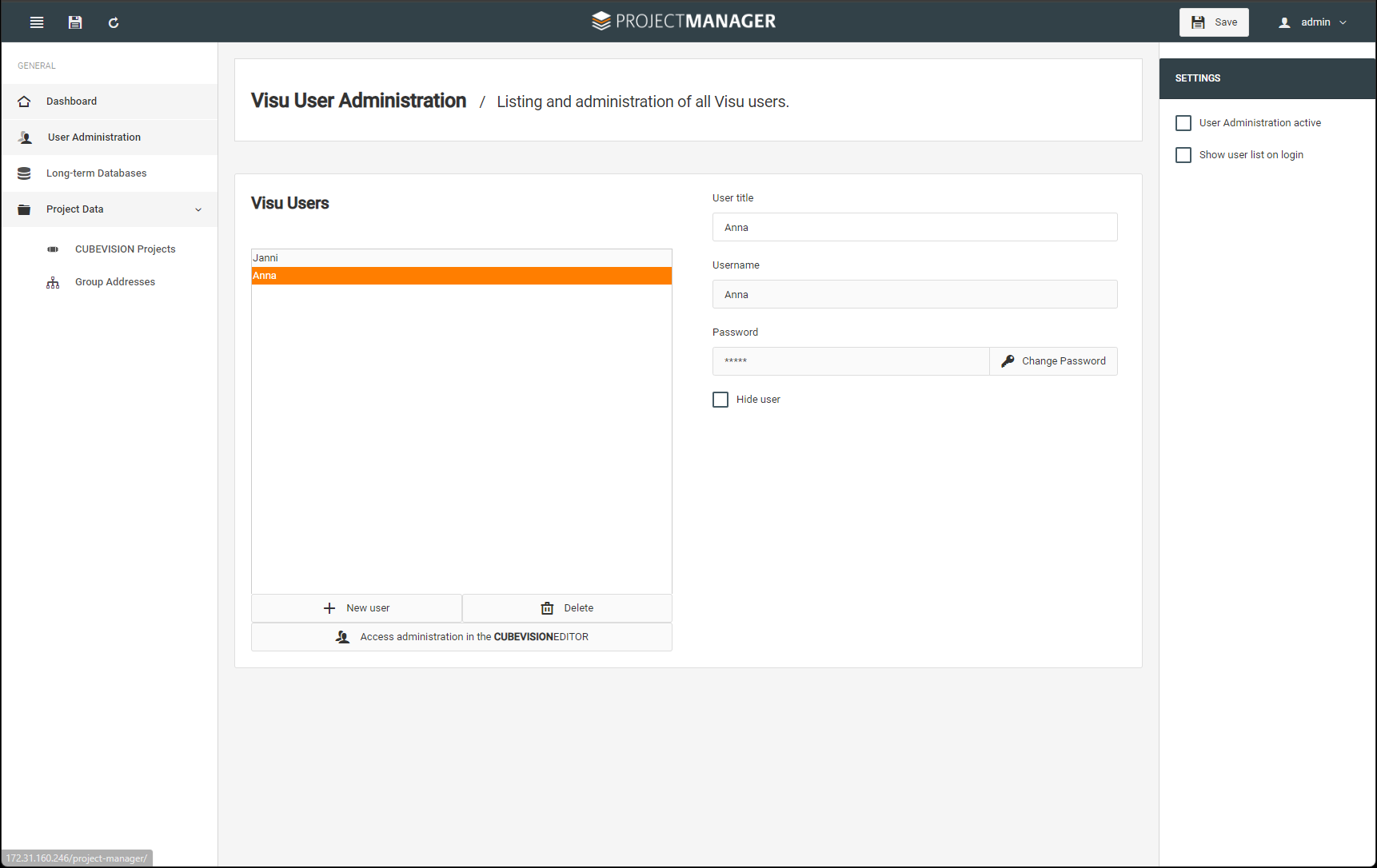
Visu-user
Create a new user here with "+ New user" or delete a user. The username is assigned. You can adjust the display name via User title. E.g. you have a user profile "Guest" with user name "Guest". If necessary, the display name can be changed without having to make further changes, e.g. the name of the guest as user title "Mr. Scholz".
-
Assign a password for the created user.
-
If necessary, the user can be hidden, e.g. for automatic access.
-
Save your settings!
Settings:
-
Here you can activate or deactivate the user administration.
-
Determine whether the user list should be displayed at login.
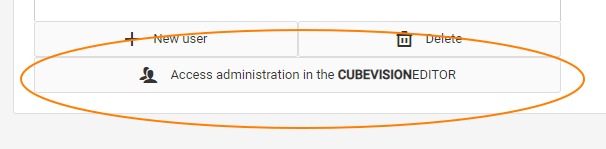
You can immediately switch to access management via the link field in order to assign the respective access rights to the users created.
The assignment of access rights for users is described in the CUBEVISIONEDITOR section.
To edit your projects quickly, you can also use the window switch via the open tabs of your browser.