
The method used to open PROJECT MANAGER depends on the respective product and is therefore described in the corresponding product-specific documentation.
PROJECT MANAGER allows you to manage the projects and project data required for CUBEVISION2. It provides an overview of the status of existing visualisation projects, enables you to manage visualisation users and long-term databases, and allows you to import or export project and KNX data.
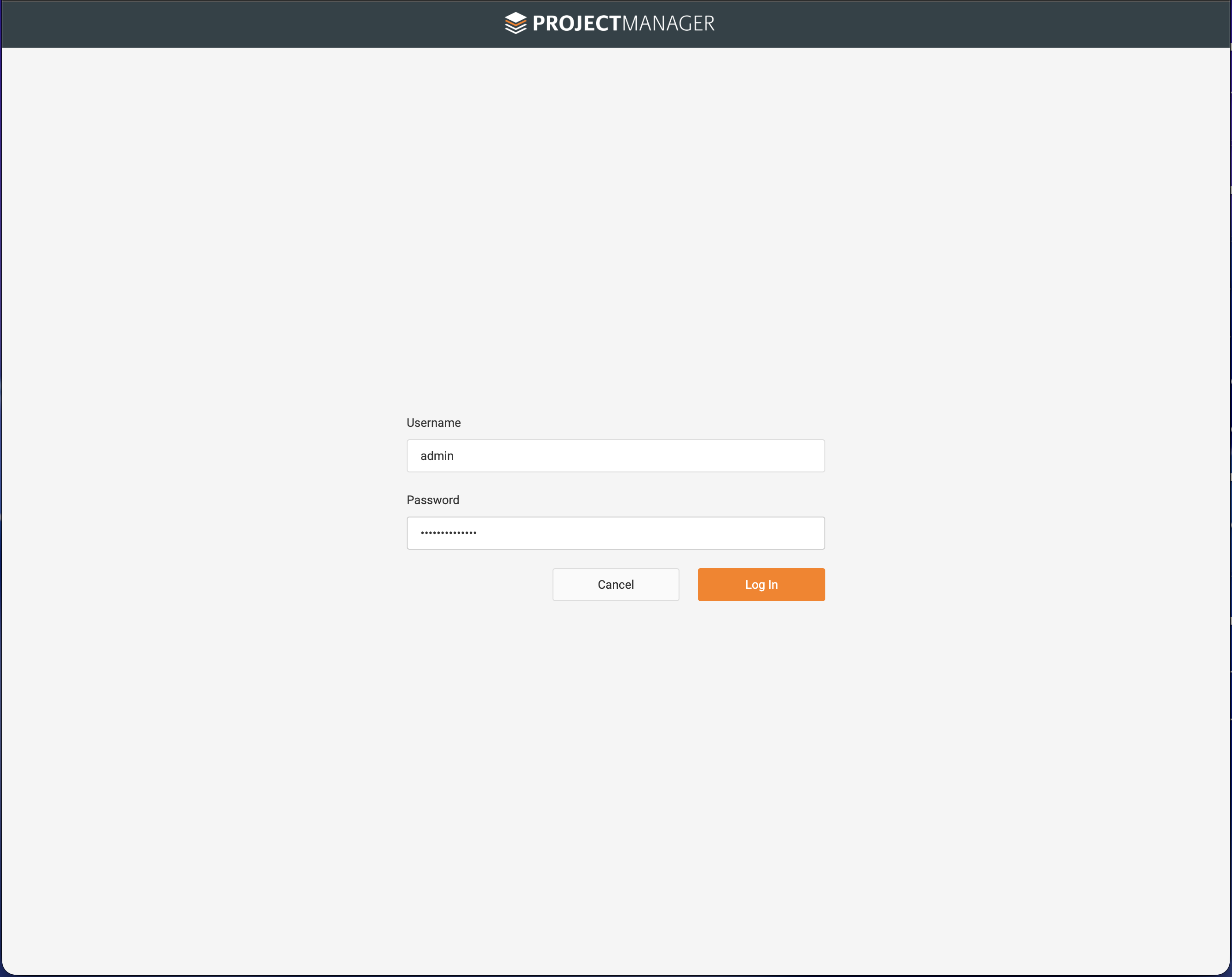
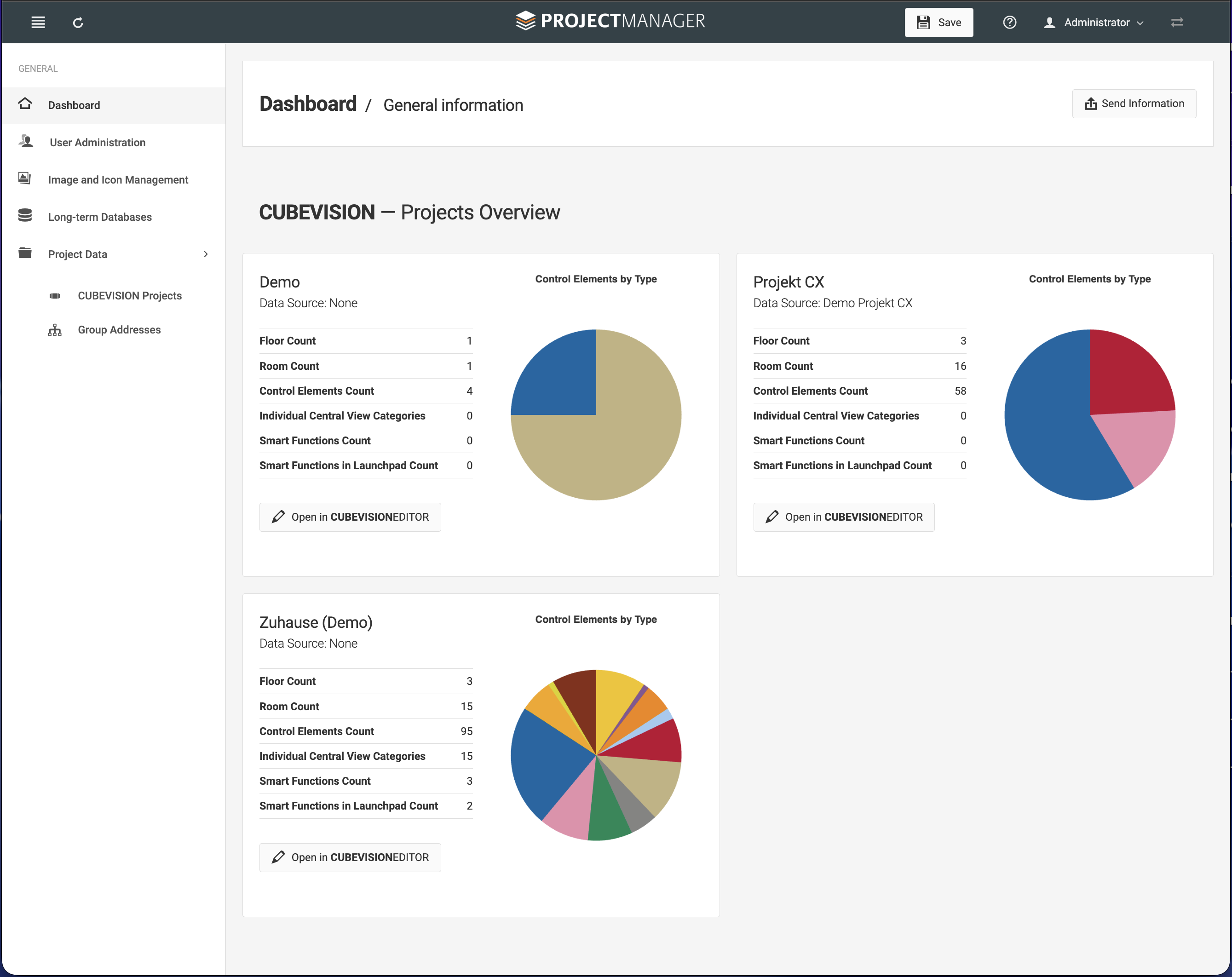
After successfully logging in, the PROJECT MANAGER dashboard is displayed. It provides an overview of all existing CUBEVISION projects and shows the data source and the number of floors, rooms, control elements, categories and Smart Functions for each project. A pie chart also illustrates the distribution of the control element types used.
Each project can be opened directly in the CUBEVISION EDITOR using the corresponding button. The sidebar provides access to user management, image and icon management, long-term databases, project data and group address data.
Content
///